
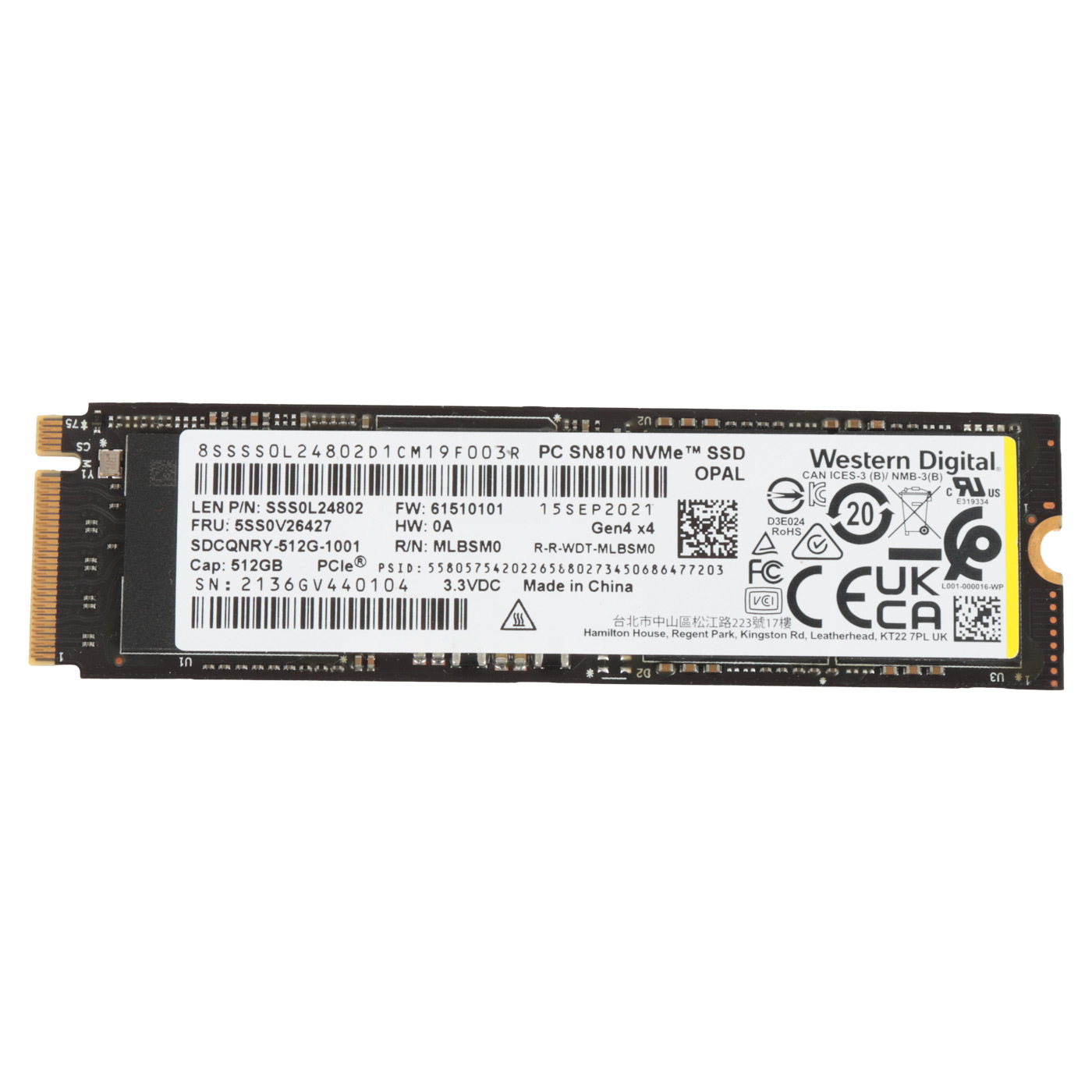
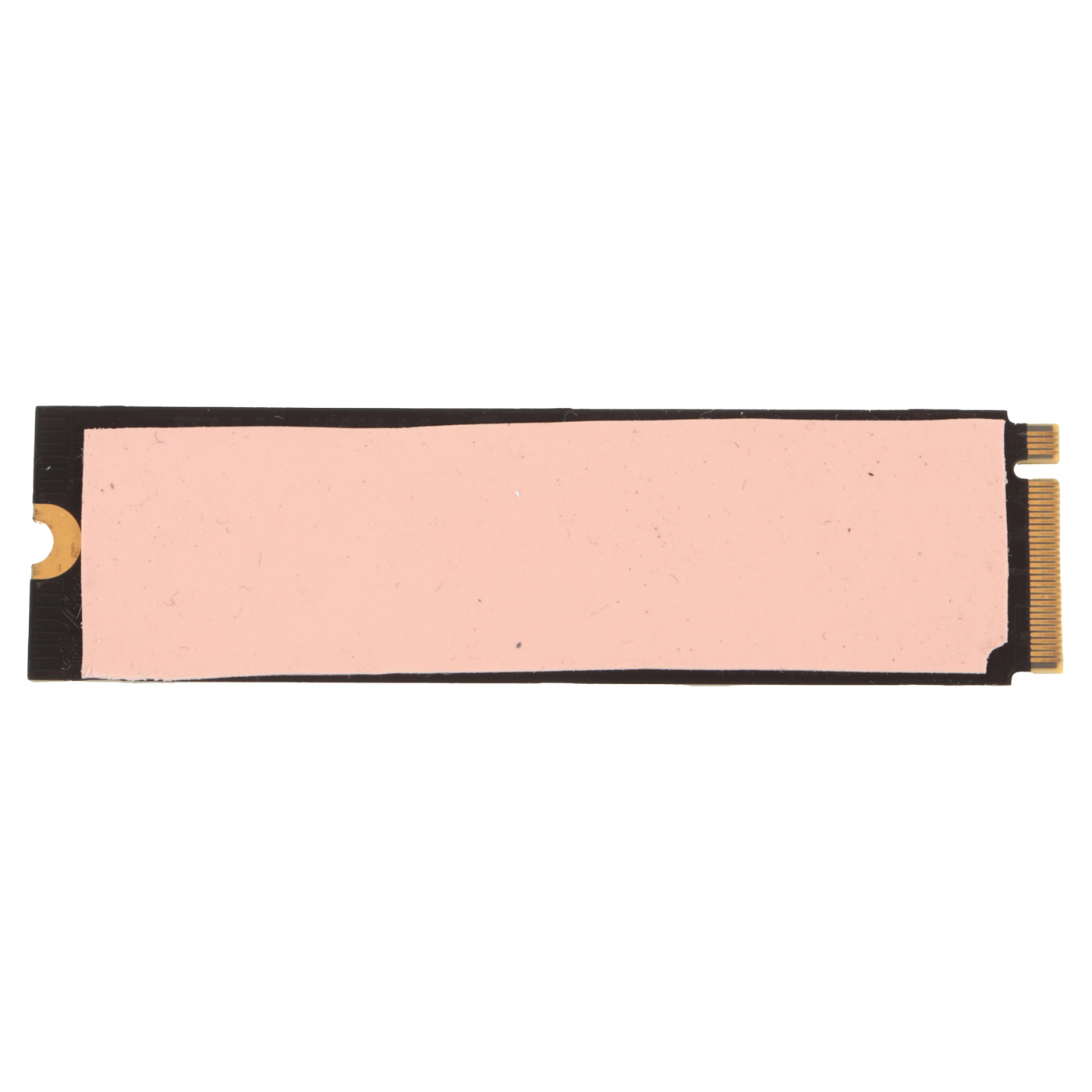
Western Digital PCIe Gen 4x4 NVMe 1.4 512 GB SSD Hard Drive
The original product, used.
SSD M.2 512 GB Western Digital SN810 PCIe Gen4 x4 for Lenovo – ORIGINAL!
High‑performance Western Digital PC SN810 NVMe SSD with a capacity of 512GB, ideal for Lenovo laptops and workstations that require fast and reliable storage. This original M.2 2280 drive uses a PCIe Gen4 x4 interface, providing blazing‑fast read and write speeds that significantly speed up system boot, application loading and file transfers.
The drive is perfect as a primary system disk or as a high‑performance upgrade replacing a slower SSD/HDD.
Specification:
- Capacity 512GB – plenty of space for the operating system, applications and data
- PCIe Gen4 x4 interface (NVMe 1.4) – very high speeds and low latency
- M.2 2280 form factor – standard size, compatible with many Lenovo systems
- 3D NAND technology – high endurance, stability and low power consumption
- S.M.A.R.T. and TRIM support – monitoring drive health and maintaining maximum performance
- Low power consumption – ideal for laptops and workstations running 24/7
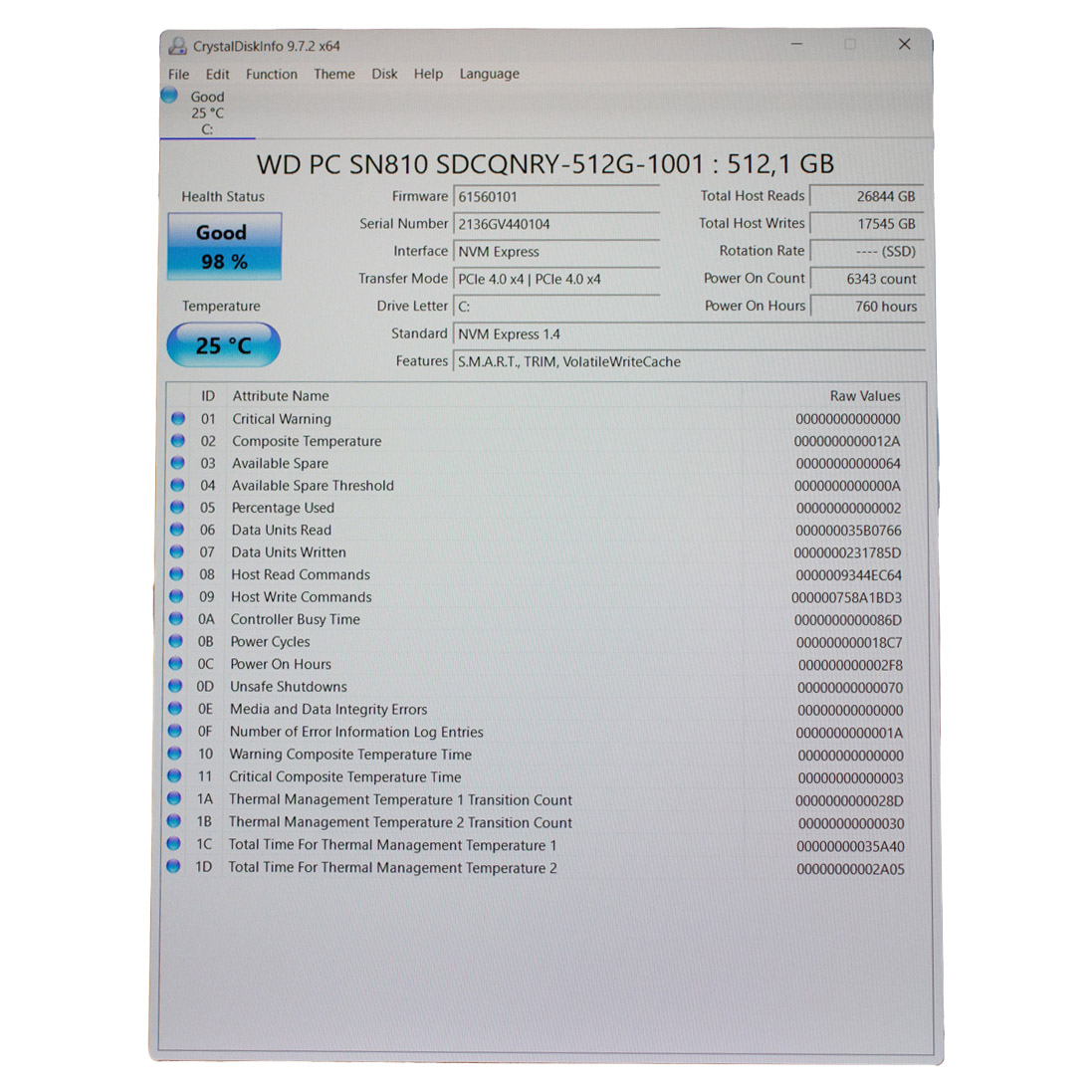
- Used drive, fully functional – health status confirmed by CrystalDiskInfo (approx. 98%)
The drive may appear under various Lenovo FRU part numbers, including:
5SS0V26427, 5SS0V26488, 5SS0V26418, 5SS0W79492, 5SS0W79545, 5SS0W79549
The drive is designed for a wide range of Lenovo laptops and workstations. In addition to ultrabooks such as ThinkPad T14s Gen 3 / Gen 4, it can be found for example in:
ThinkPad laptops:
X1 Yoga 7th Gen (type 21CD, 21CE)
P16 Gen 1 (type 21D6, 21D7) – mobile workstation
P15v Gen 3 (type 21D8, 21D9)
P1 Gen 5 (type 21DC, 21DD)
P15v Gen 3 (type 21EM, 21EN)
ThinkStation workstations:
P520 Workstation (type 30BE, 30BF)
P340 Tiny Workstation (type 30DF)
P340 Workstation (type 30DH)
P348 Workstation (type 30EQ)
P360 Workstation (type 30FM, 30FN)
P360 Ultra Workstation (type 30G0, 30G1, 30G2)
P3 Tower Workstation (type 30GS, 30GU)
P3 Tiny Workstation (type 30H0, 30H1, 30H3)
(It is always recommended to compare the FRU number with the one on the original drive in your machine.) and many other models with an M.2 2280 PCIe Gen4 slot!
Technical notes:
⚠️ Check the type of M.2 slot in your laptop (length, PCIe NVMe Gen3/Gen4 support)
⚠️ The drive may require the latest Lenovo firmware/driver updates for full compatibility
⚠️ Mounting screw: M2×3 mm (usually included with the laptop)
Condition:
Used drive, 100% technically functional.
Health status confirmed by CrystalDiskInfo at around 98%, which indicates minimal wear and a long remaining service life.
🔧 INSTALLATION PROCESS
1. Power off the computer and disconnect the power supply2. Open the laptop/PC chassis according to the manufacturer’s instructions
3. Locate the M.2 slot on the motherboard
4. Carefully insert the SSD into the M.2 slot at a 30° angle
5. Press the drive down and secure it with the screw (if required)
6. Close the chassis and power on the computer
7. Initialize/configure the new drive in the operating system
✅ COMPATIBILITY GUARANTEE
The Toshiba PCIe NVMe SSD Western Digital drive is compatible with many laptop models equipped with an M.2 PCIe slot. Before purchasing, we recommend checking your device specifications to make sure it supports M.2 2280 drives with a PCIe interface. If you are unsure, please contact our team — we will be happy to verify compatibility with your device.📞 NEED HELP? CONTACT OUR EXPERTS!
Do you have questions about the KIOXIA PCIe SSD drive or need help choosing the right storage for your laptop? Our specialists are here to help! We’ll assist you in selecting the best solution for your needs and your computer model.📱 Phone: +48-601-415357
📧 Email: sklep@abcdeal.pl
🦁 ABCDEAL – Your Trusted Lenovo Parts Specialist
For years, we have specialized in supplying high-quality parts for laptops and computers. Our extensive experience allows us to offer proven components that undergo strict quality testing. We focus on every detail to ensure our customers receive products that meet the highest standards. Trust the professionals and choose a drive that will significantly improve your computer’s performance.🎯 Choose professionals – invest in high quality!
By choosing the Western Digital PCIe SSD from our offer, you invest in a proven and reliable product. Even a used drive, after our testing, guarantees stable operation and high performance. Remember: quality components are the foundation of trouble-free operation and long service life for your laptop!Useful information:
📦 Want to learn more about shipping and returns? Click here
❓ Have more questions? Check our FAQ
| Part Name | M.2 SSD Hard Drive |
|---|---|
| Brand | Western Digital 512 GB |
| Model | NVMe PCIe Gen4 |
| Condition | Used |
Szczegóły dotyczące zgodności produktu z przepisami
Osoba odpowiedzialna za produkt:ABCDEAL WOJCIECH ZAMARSKI
ul. Zawodzie 29 43-430 Ochaby Wielkie, Poland
email: biuro@abcdeal.pl
Product placed on the market in the EU before 13.12.2024.
Information on the safety of product use.
ul. Zawodzie 29 43-430 Ochaby Wielkie, Poland
email: biuro@abcdeal.pl
Product placed on the market in the EU before 13.12.2024.
Information on the safety of product use.
Ask for details
money back
60 Days Money Back
fast delivery
Less than 5 days
customers support
24/7 Online Consultation
free shipping
Free Shipping Above $1000