
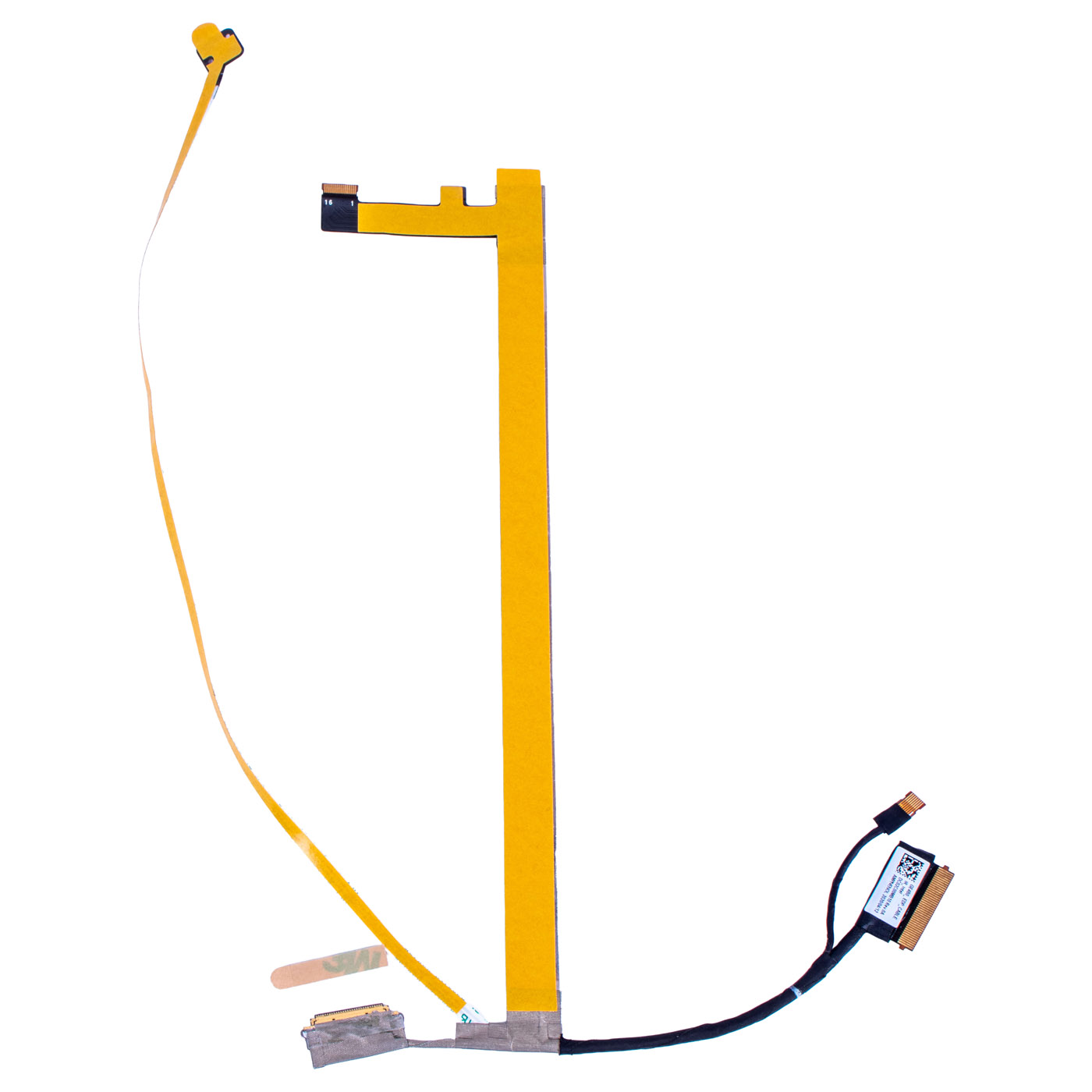
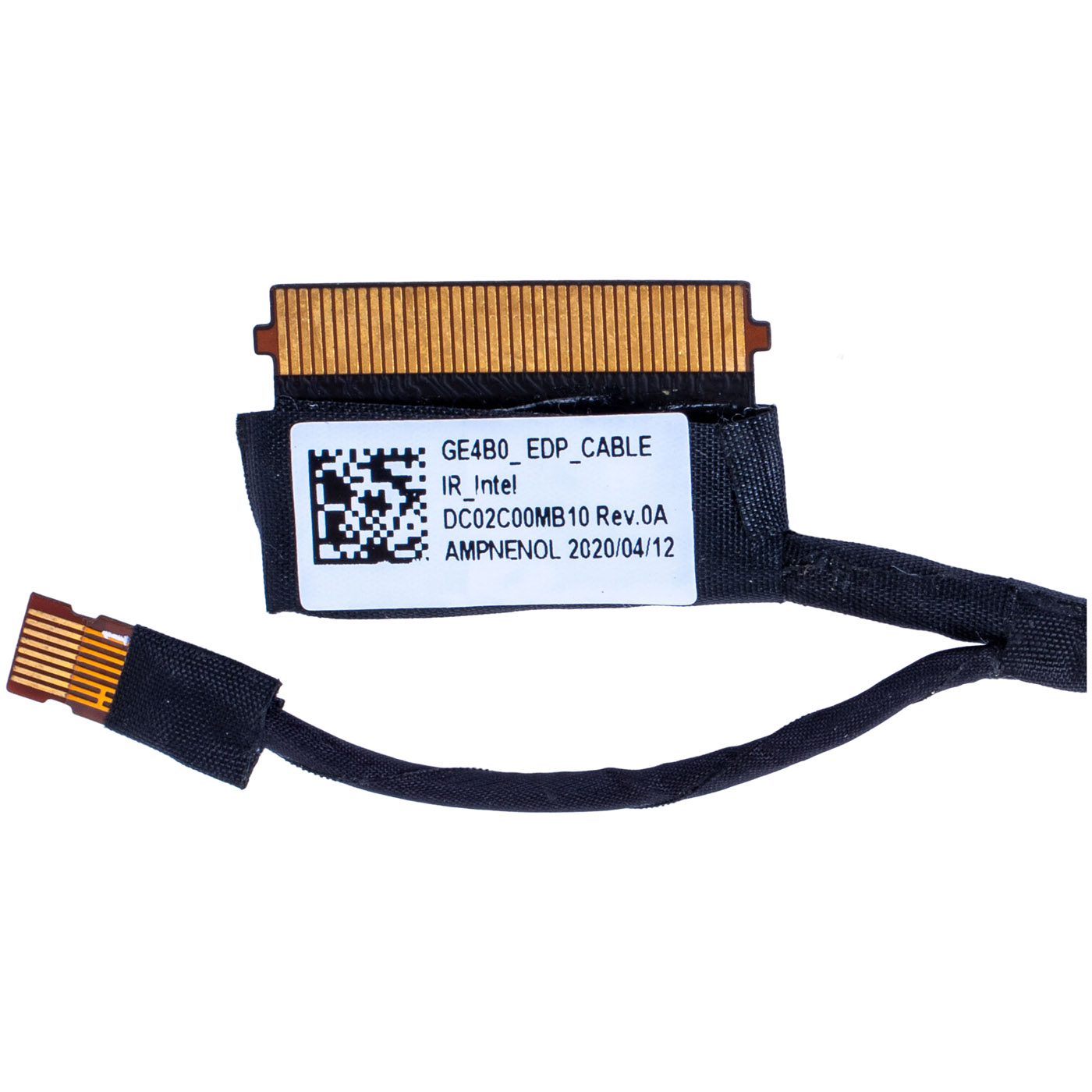
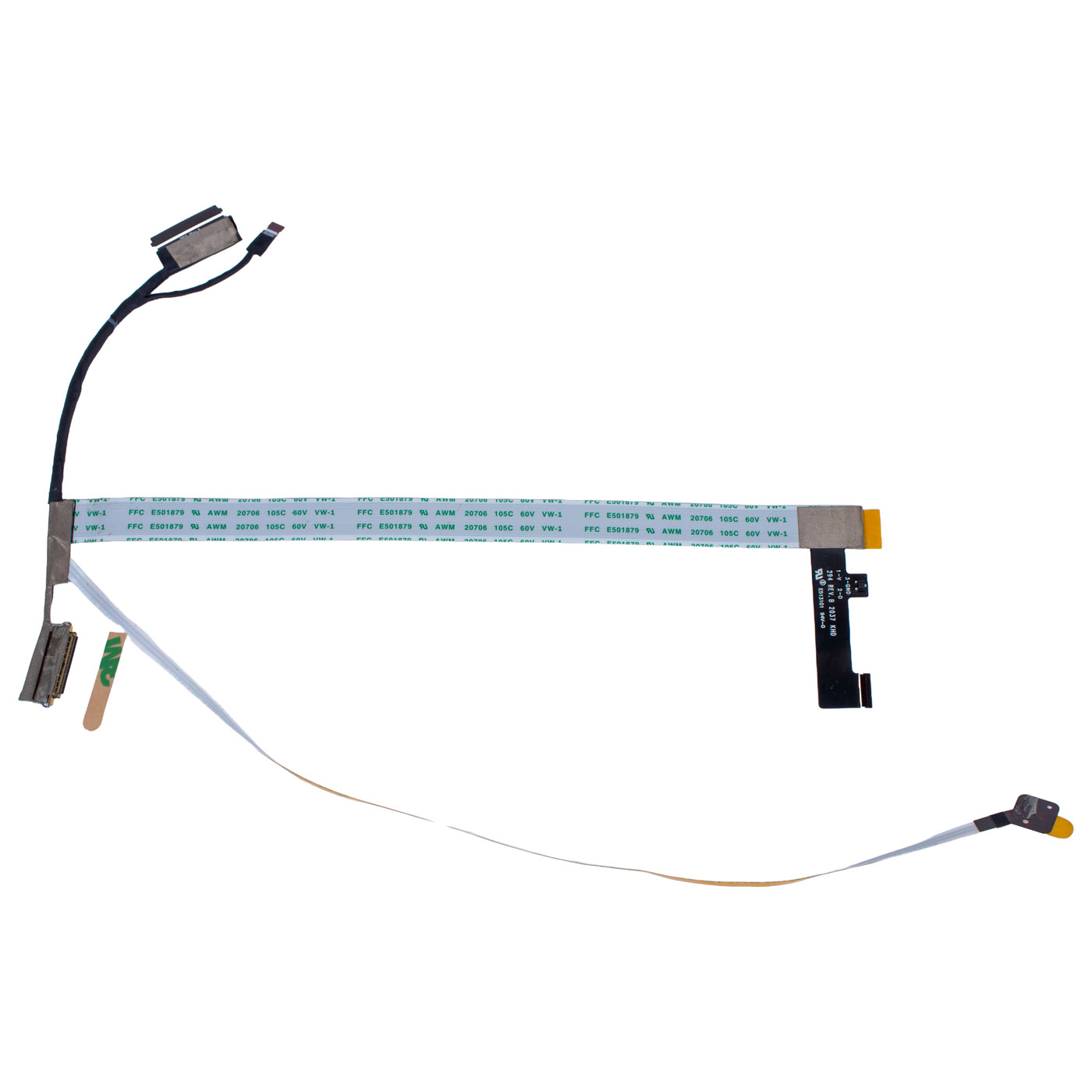
Camera matrix eDP cable Lenovo ThinkPad E14 2nd gen IR
The original product, brand new.
🔧 LCD & IR Camera Cable for Lenovo ThinkPad E14 Gen 2 (Windows Hello) 🔧
🖥️ ThinkPad E14 Gen 2 | LCD eDP Cable with IR Camera | 14"
⚙️ PRODUCT DESCRIPTION
Original LCD eDP display cable with integrated IR camera cable dedicated for Lenovo ThinkPad E14 2nd generation. This assembly connects the 14" LCD panel and the infrared camera module to the motherboard, ensuring stable image transmission and proper operation of the IR camera used for Windows Hello facial recognition. High‑quality manufacturing guarantees reliable signal, image stability and full support for biometric login.📋 TECHNICAL SPECIFICATION
Part type: LCD eDP cable with IR webcam cableBrand: Lenovo
Series: ThinkPad
Model: E14 Gen 2
Screen size: 14"
Interface: eDP (embedded DisplayPort)
Camera type: IR webcam (Windows Hello)
FRU: 5C10Z23913
Alternative FRU: DC02C00MB10
Condition: New
Warranty: 12 months
🌟 KEY FEATURES
🔹 Original Lenovo spare part – full mechanical and electrical compatibility🔹 Integrated IR camera cable – supports Windows Hello face recognition
🔹 Stable image signal – eDP interface ensures high‑quality video transmission
🔹 Factory‑new component – long service life and reliable everyday operation
🔹 Perfect fit – designed specifically for Lenovo ThinkPad E14 Gen 2 14"
🔢 PART NUMBERS & COMPATIBILITY
FRU: 5C10Z23913Alternative FRU: DC02C00MB10
Compatible model: Lenovo ThinkPad E14 Gen 2 (14") with IR camera
❓ WHEN TO REPLACE THE LCD / IR CABLE?
• Flickering, intermittent or distorted image on the screen• Picture appears only at a certain lid angle
• Horizontal lines, artefacts or colour issues on the display
• IR camera not detected or working inconsistently
• Windows Hello face recognition stops working correctly
• No image on the LCD while the laptop powers on normally
• Image disappears or appears with delay when opening/closing the lid
🔧 INSTALLATION GUIDE
1. Power off the laptop and disconnect the AC adapter and battery (if removable).2. Remove the display bezel by carefully releasing the plastic clips.
3. Unscrew the LCD panel and gently tilt it forward.
4. Disconnect the old LCD cable from the panel and from the motherboard connector.
5. Disconnect the IR camera cable from the camera module in the top bezel.
6. Route and connect the new cable set to the LCD panel and motherboard.
7. Connect the IR part of the cable to the IR camera module, making sure it is properly aligned.
8. Test the display and camera (including Windows Hello) before final reassembly.
9. Reinstall the LCD panel and bezel.
🎯 APPLICATION
This original LCD eDP & IR camera cable is intended for Lenovo ThinkPad E14 Gen 2 14" notebooks equipped with an IR webcam. It is essential for correct video signal transmission between the motherboard and the LCD panel and for proper operation of the infrared camera used for biometric login. Correctly selected and installed, the cable ensures a stable image and full IR camera functionality.✅ COMPATIBILITY GUARANTEE
The offered cable is fully compatible with Lenovo ThinkPad E14 Gen 2. Compatibility is confirmed by the FRU numbers 5C10Z23913 and the alternative DC02C00MB10. Please compare the part number and the shape of the connectors with the original cable removed from your laptop to ensure a correct match before installation.Useful information:
📦 Shipping & returns: click here
❓ More details: FAQ
| Part Name | Matrix tape + IR webcam camera |
|---|---|
| Brand | Lenovo ThinkPad |
| Model | E14 2nd generation |
| Size | 14" |
| Condition | New |
Szczegóły dotyczące zgodności produktu z przepisami
Osoba odpowiedzialna za produkt:ABCDEAL WOJCIECH ZAMARSKI
ul. Zawodzie 29 43-430 Ochaby Wielkie, Poland
email: biuro@abcdeal.pl
Producent:
Lenovo Group Limited
7th Floor, Building A, Lenovo Houhai
Center, No.3288 Houhaibin Road, Haizhu
Community, Yuehai Street, Nanshan district
Shenzhen 518000, China
email: lncontact@lenovonetapp.com
Information on the safety of product use.
ul. Zawodzie 29 43-430 Ochaby Wielkie, Poland
email: biuro@abcdeal.pl
Producent:
Lenovo Group Limited
7th Floor, Building A, Lenovo Houhai
Center, No.3288 Houhaibin Road, Haizhu
Community, Yuehai Street, Nanshan district
Shenzhen 518000, China
email: lncontact@lenovonetapp.com
Information on the safety of product use.
Ask for details
money back
60 Days Money Back
fast delivery
Less than 5 days
customers support
24/7 Online Consultation
free shipping
Free Shipping Above $1000