
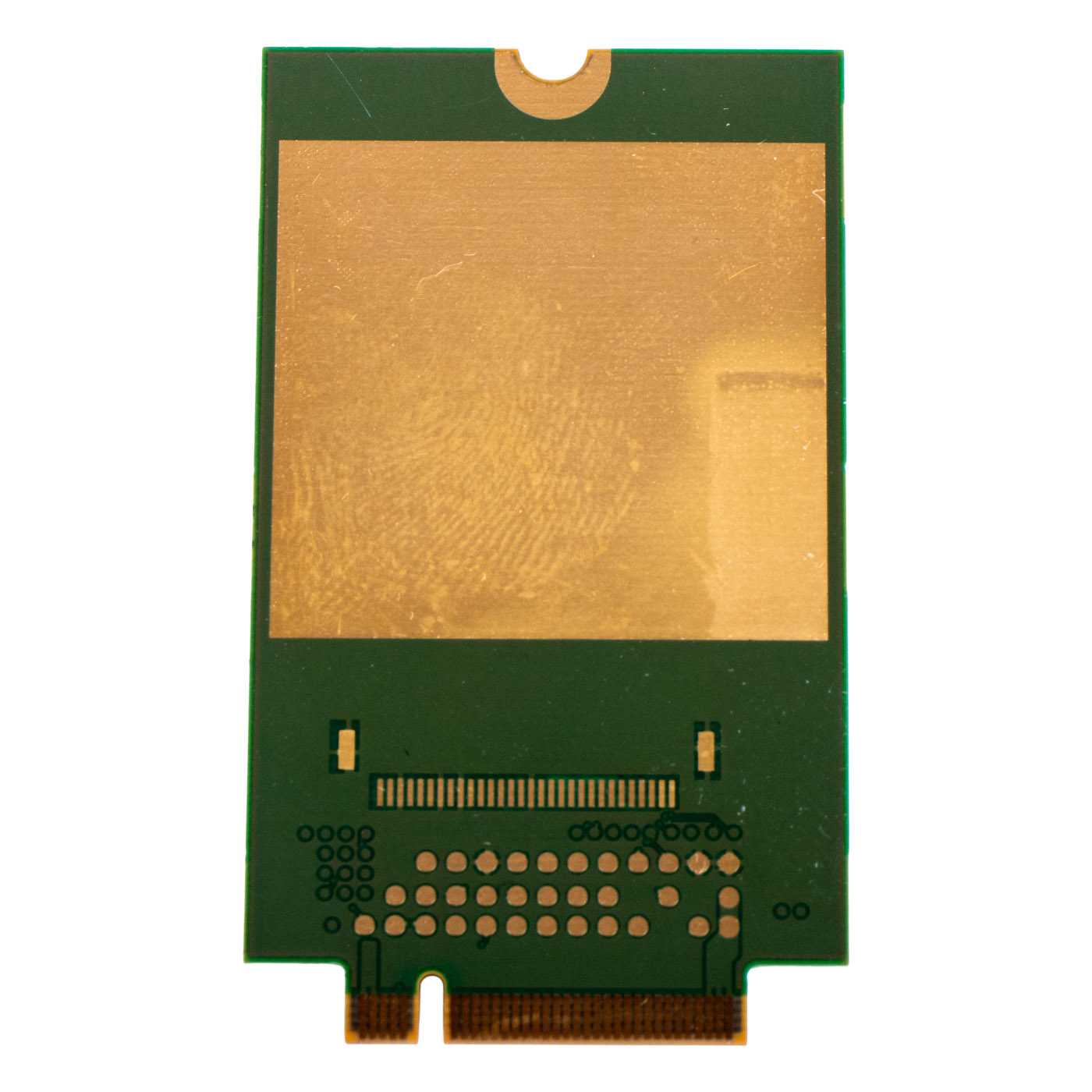
FM350-GL 5G WWAN Modem Lenovo X1 Carbon 10/11 T14s X13 X1 Yoga P1
87,50 € with TAX71,14 € netto
✓ Compatible with Lenovo laptop models:
ThinkPad X1 Carbon Gen 10ThinkPad X13 Gen 3 WWANThinkPad T14s Gen 3 WWANThinkPad X1 Yoga Gen 7Lenovo ThinkPad T14s Gen 4 WWAN
ThinkPad X1 Carbon Gen 10ThinkPad X13 Gen 3 WWANThinkPad T14s Gen 3 WWANThinkPad X1 Yoga Gen 7Lenovo ThinkPad T14s Gen 4 WWAN
Lowest price in the last 30 days: 87,50 €
The original product, used one.
🔧 Fibocom FM350-GL 5G WWAN Modem for Lenovo ThinkPad X1 Carbon 10, T14s, X13, X1 Yoga, P1 🔧
🖥️ 5G/LTE Modem | Fibocom FM350-GL | Sub-6GHz + GPS | M.2 Key B | 5W10V25827
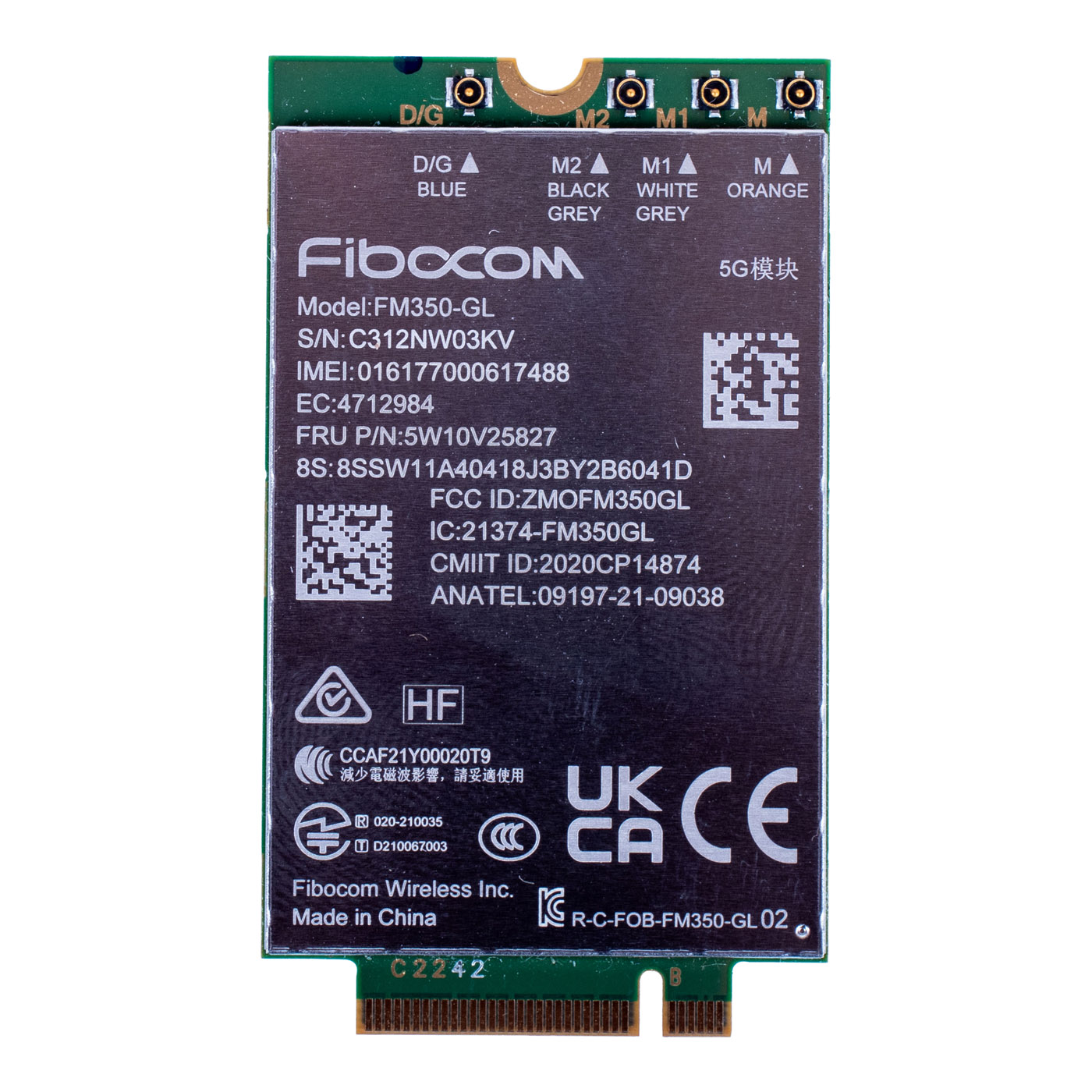
The genuine Fibocom FM350-GL WWAN modem is a next-generation mobile connectivity card built on the Intel 5G Solution 5000 module, delivering 5G (Sub-6GHz band), LTE and WCDMA connectivity in Lenovo ThinkPad laptops with the matching M.2 Key B slot and BIOS support. The card includes a built-in GPS receiver, adding location functionality on top of connectivity. It is the exact component Lenovo installs at the factory in selected ThinkPad configurations, guaranteeing full hardware and software compatibility with the models it is intended for.⚙️ PRODUCT CHARACTERISTICS
The FM350-GL combines 5G NR, LTE (FDD/TDD) and WCDMA support with a built-in GPS/GLONASS/Galileo/BDS receiver. The M.2 Key B interface allows installation in the dedicated WWAN slot on the ThinkPad motherboard, without affecting any other components. FRU number 5W10V25827 guarantees full compatibility with the models listed below.📋 TECHNICAL DATA
Part name: 5G/LTE WWAN Modem with GPSModule manufacturer: Fibocom
Model: FM350-GL (Intel 5G Solution 5000)
Technology: 5G NR Sub-6GHz, LTE, WCDMA + GPS
Interface: M.2 Key B (WWAN)
Condition: New
FRU: 5W10V25827
Compatible models (Lenovo ThinkPad):
• P1 Gen 5 - type 21DC, 21DD
• T14s Gen 3 - type 21BR, 21BS, 21CQ, 21CR
• T14s Gen 4 - type 21F6, 21F7, 21F8, 21F9
• X1 Carbon Gen 10 - type 21CB, 21CC
• X1 Extreme Gen 5 - type 21DE, 21DF
• X1 Fold 16 Gen 1 - type 21ES, 21ET
• X1 Yoga Gen 7 - type 21CD, 21CE
• X13 Gen 3 - type 21BN, 21BQ, 21CM, 21CN
• X13 Gen 4 - type 21EX, 21EY
• X13 Gen 5 - type 21LU, 21LV
🌟 KEY ADVANTAGES
🔹 Real 5G speed - a genuine jump over LTE wherever your carrier offers Sub-6GHz 5G coverage, meaning faster downloads and smoother video calls without tethering to a hotspot🔹 Genuine Lenovo part - the exact module Lenovo installs at the factory, so the BIOS recognises it without extra configuration
🔹 Backward compatible with LTE/WCDMA - keeps you connected outside 5G coverage, so you don't lose internet access when moving into a weaker-coverage area
🔹 Built-in GPS - adds location functionality without an external receiver
🔹 Mobility without Wi-Fi - internet access independent of hotspot availability, useful when travelling or working on site
🔹 Easy installation - M.2 Key B module, dedicated slot in the ThinkPad chassis
🔢 PART NUMBERS
FRU: 5W10V25827Module manufacturer: Fibocom FM350-GL
Laptop models: see Technical Data section
❓ WHEN SHOULD YOU REPLACE THE WWAN MODEM?
• You want to add mobile 5G internet to a ThinkPad that didn't come with a card installed (free WWAN slot)• Your current WWAN modem isn't working properly or won't pick up signal
• You're upgrading from LTE to 5G and want to use the full bandwidth your carrier offers
• You need reliable mobile internet access while travelling or working in the field
🔧 INSTALLATION PROCESS
1. Turn off the laptop, disconnect power and, if possible, remove the battery2. Locate the service cover on the bottom of the chassis
3. Remove the screws securing the cover and lift it off carefully
4. Locate the M.2 Key B (WWAN) slot on the motherboard
5. Insert the card into the slot at roughly a 30-degree angle
6. Press the module down and secure it with the mounting screw
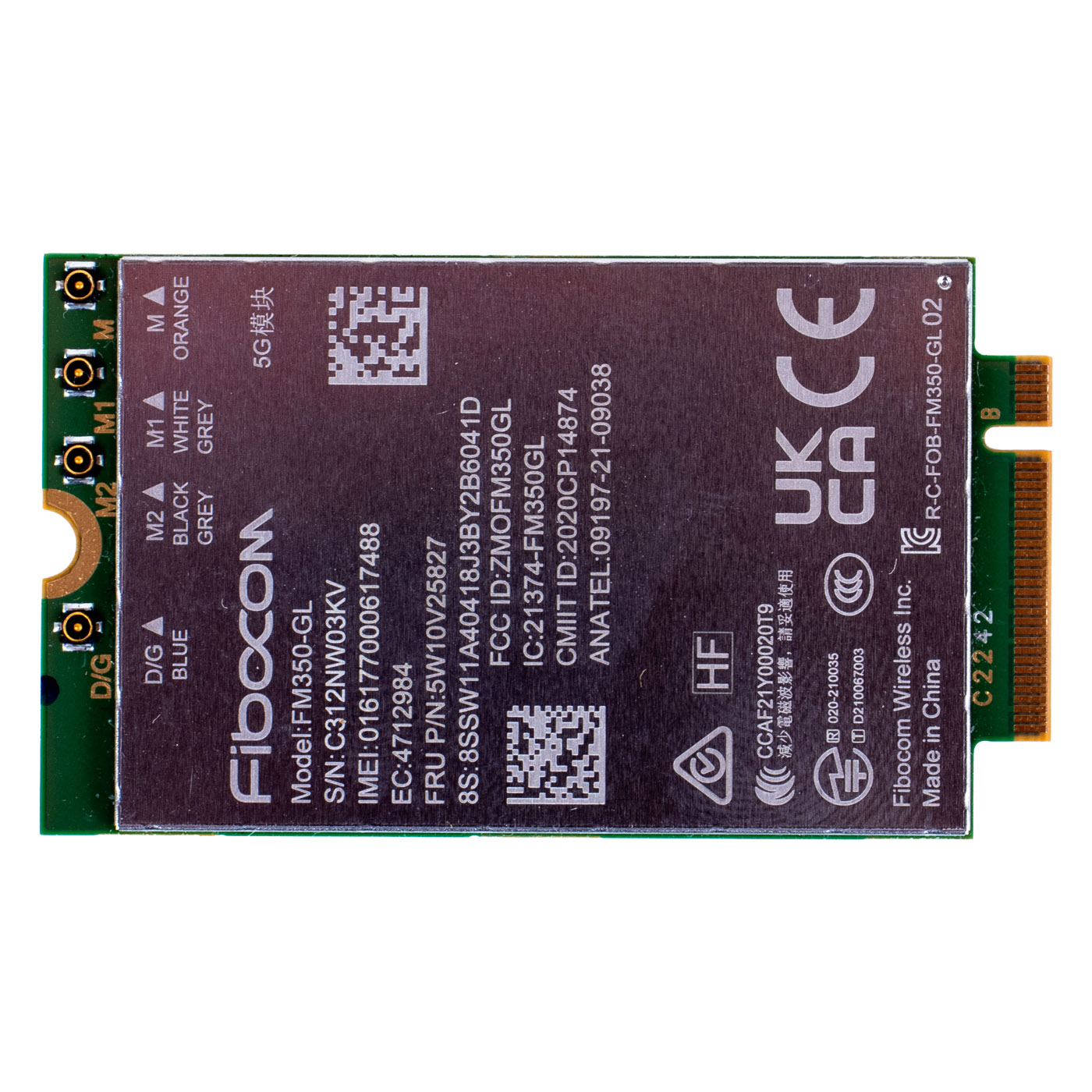
7. Connect the antennas to the M/M1/M2/D-G connectors matching the colour coding on the card
8. Reattach the service cover
9. Power on the laptop, confirm the BIOS detects the card, and install the drivers
Installation by a technician or someone experienced with laptop repairs is recommended.
🎯 INTENDED USE
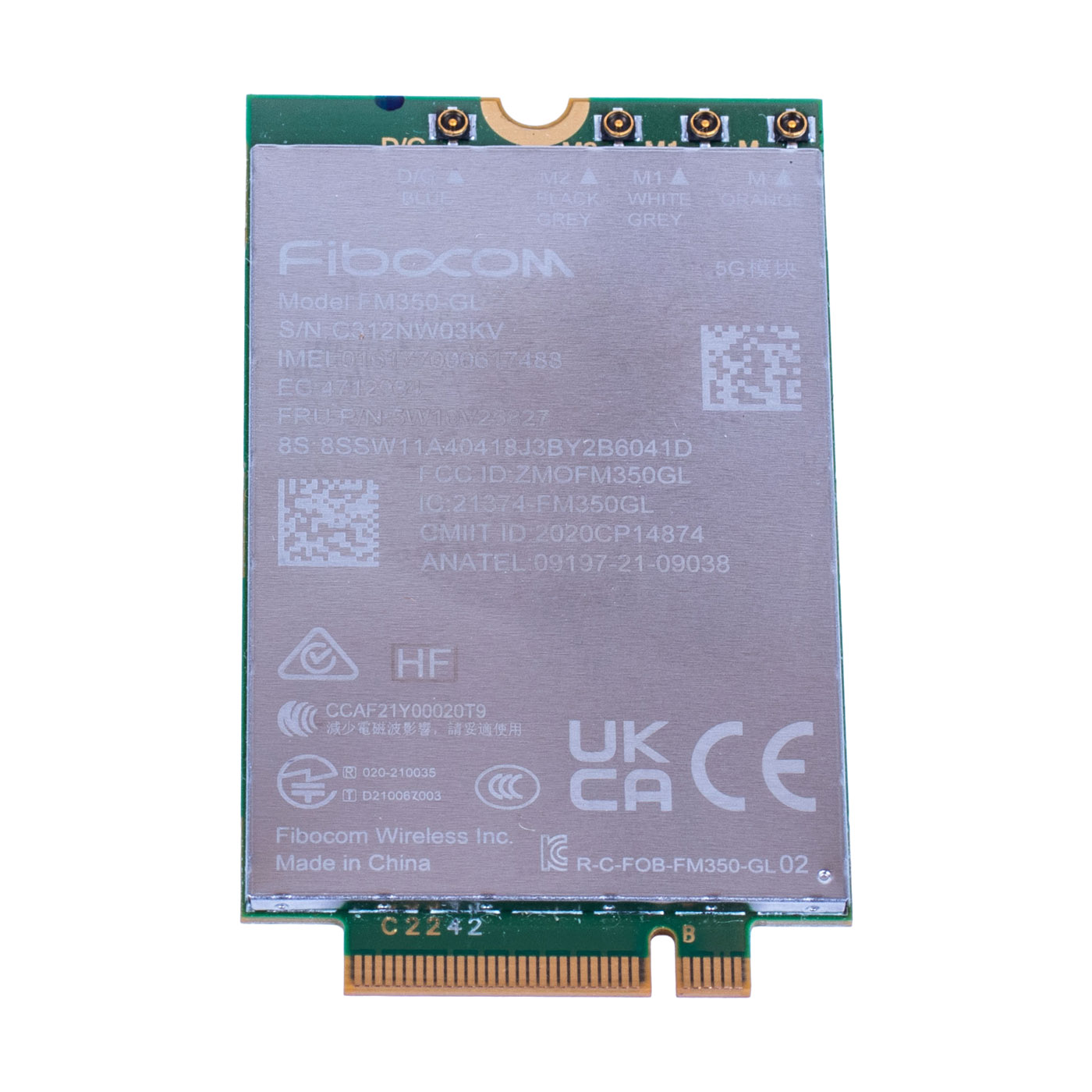
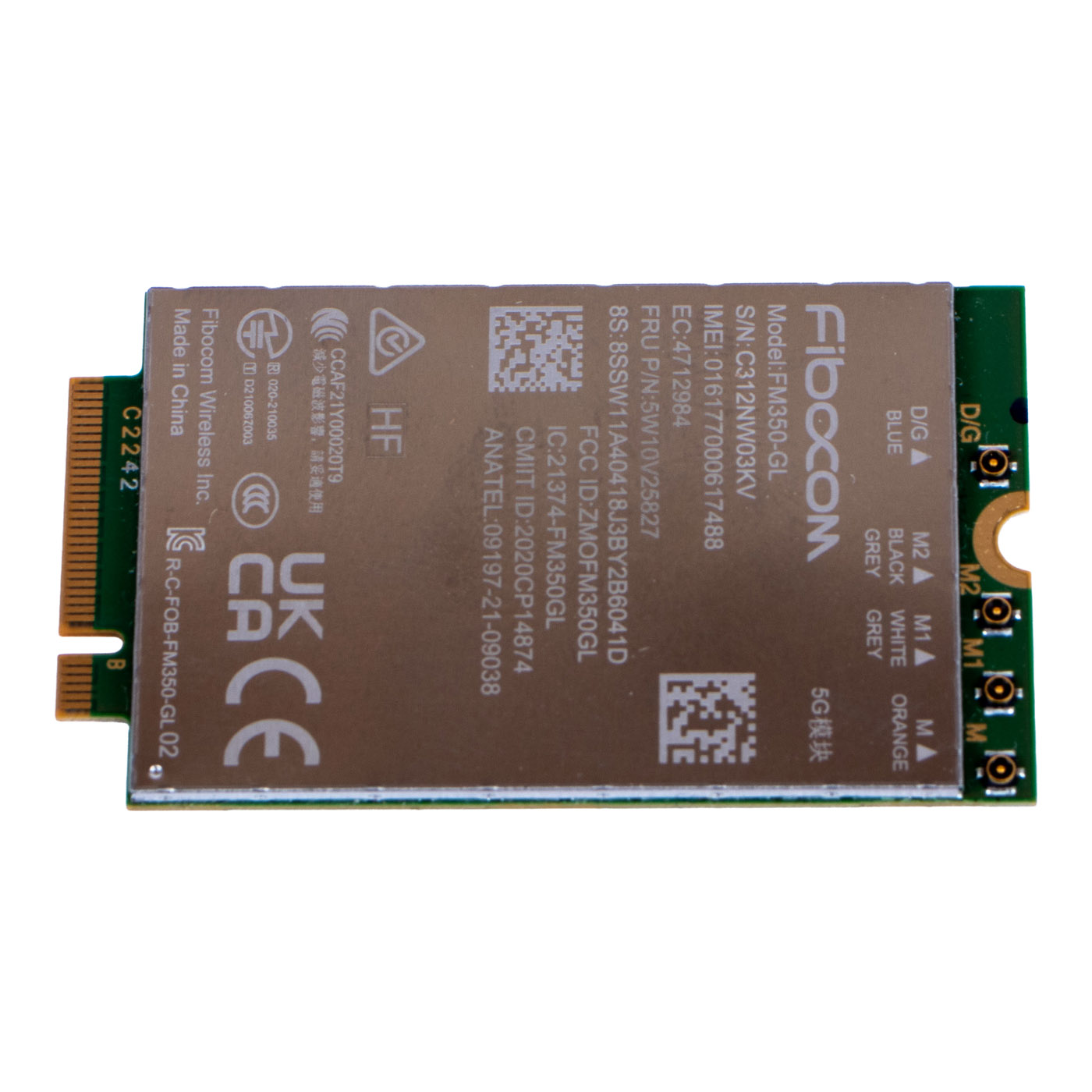
The Fibocom FM350-GL WWAN modem is dedicated to Lenovo ThinkPad P1 Gen 5, T14s Gen 3/Gen 4, X1 Carbon Gen 10, X1 Extreme Gen 5, X1 Fold 16 Gen 1, X1 Yoga Gen 7 and X13 Gen 3/Gen 4/Gen 5 laptops - see the full type list in the Technical Data section. The module enables use of Sub-6GHz 5G networks (and LTE/WCDMA where 5G isn't available), making it ideal for frequent travel, fieldwork, or anyone who needs internet access independent of Wi-Fi. The exact appearance and condition of the offered item are shown in the listing photos.✅ COMPATIBILITY GUARANTEE
The offered Fibocom FM350-GL modem is fully compatible with the listed ThinkPad models. ThinkPads maintain a BIOS whitelist of authorised WWAN cards, so before purchasing we recommend checking the exact model designation (type 21XX on the sticker underneath the laptop) against the list above, especially if your unit isn't explicitly listed. If in doubt, our experts are happy to help verify compatibility before you buy.📞 NEED HELP? CONTACT OUR EXPERTS!
Do you have questions about the compatibility of the Fibocom FM350-GL WWAN modem with your laptop, or you're not sure it will fit? Our specialists are ready to help you choose the right part.📱 Phone: +48-601-415357
📧 Email: sklep@abcdeal.pl
🦁 ABCDEAL - Your Trusted Lenovo Parts Specialist
With over 15 years of experience in the industry, ABCDEAL offers the highest quality Lenovo laptop parts. We specialise in supplying genuine components that ensure reliable operation and long service life. Our products undergo rigorous quality control.🎯 Choose the professionals - invest in quality!
By choosing a genuine Fibocom FM350-GL WWAN modem from our offer, you're investing in a proven solution for reliable 5G connectivity in your ThinkPad. Don't risk unverified alternatives - go with the original from ABCDEAL.Useful information:
📦 Want to know more about shipping and return conditions? Click here
❓ Have additional questions? Check our FAQ
| Part Name | GSM WWAN LTE Modem |
|---|---|
| Brand | Quectel EM05-CE |
| Laptop Models | X1 Carbon 10th and 11th Gen, T14s Gen 3/Gen 4, X13 Gen 3/Gen 4/Gen 5, X1 Yoga 7th and 8th Gen, P1 Gen 5, X1 Extreme Gen 5 and X1 Fold 16 Gen 1 |
| Type | 5G WWAN |
| Condition | Like new |
Szczegóły dotyczące zgodności produktu z przepisami
Osoba odpowiedzialna za produkt:ABCDEAL WOJCIECH ZAMARSKI
ul. Zawodzie 29 43-430 Ochaby Wielkie, Poland
email: biuro@abcdeal.pl
Producent:
Lenovo Group Limited
7th Floor, Building A, Lenovo Houhai
Center, No.3288 Houhaibin Road, Haizhu
Community, Yuehai Street, Nanshan district
Shenzhen 518000, China
email: lncontact@lenovonetapp.com
Information on the safety of product use.
ul. Zawodzie 29 43-430 Ochaby Wielkie, Poland
email: biuro@abcdeal.pl
Producent:
Lenovo Group Limited
7th Floor, Building A, Lenovo Houhai
Center, No.3288 Houhaibin Road, Haizhu
Community, Yuehai Street, Nanshan district
Shenzhen 518000, China
email: lncontact@lenovonetapp.com
Information on the safety of product use.
Ask for details