
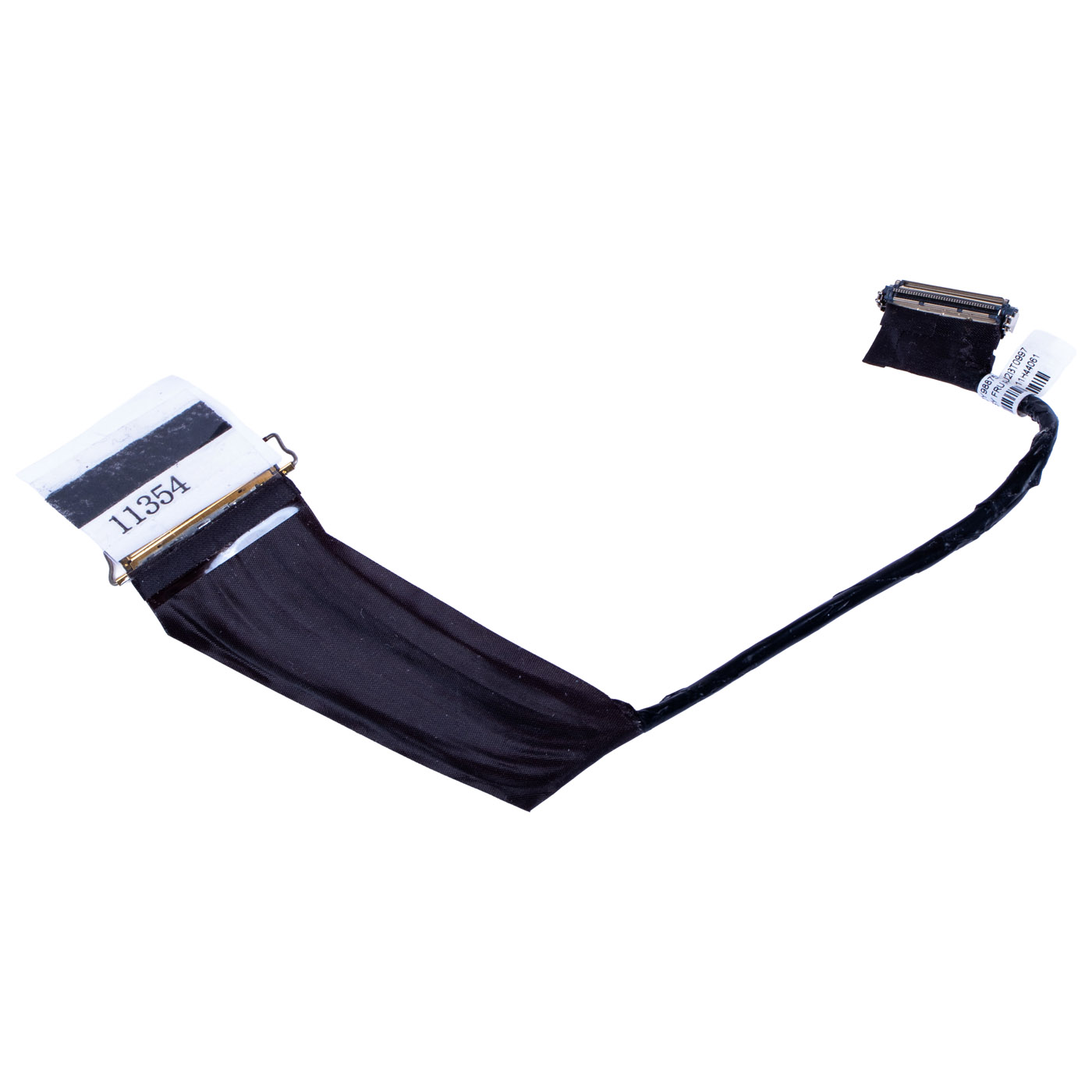
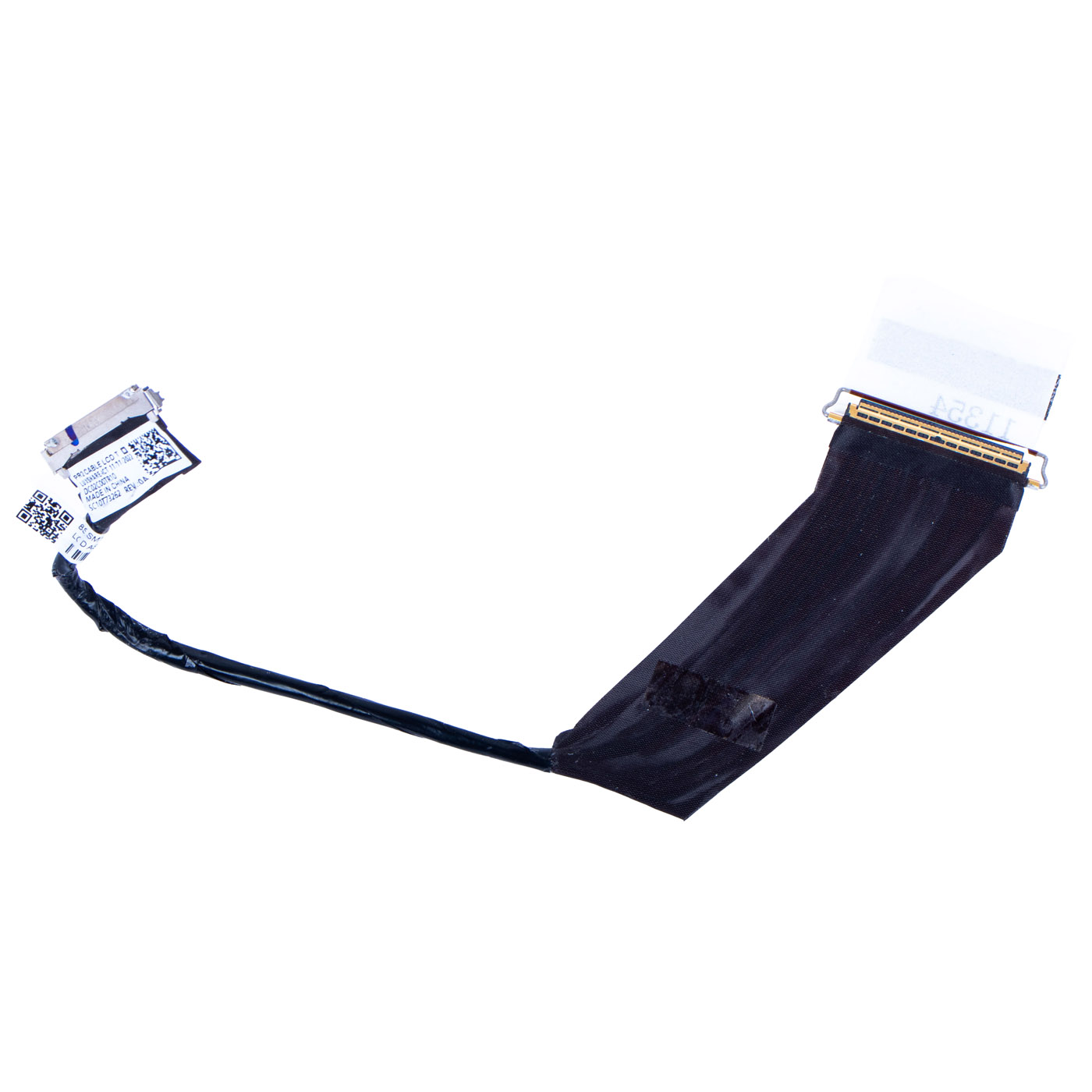
LCD cable Lenovo X1 Carbon 10 11 2022 2023
32,50 € with TAX26,42 € netto
✓ Compatible with Lenovo laptop models:
ThinkPad X1 Carbon Gen 10ThinkPad X1 Carbon Gen 11
ThinkPad X1 Carbon Gen 10ThinkPad X1 Carbon Gen 11
Lowest price in the last 30 days: 32,50 €
Product original.
🔧 LCD Display Cable (40-pin, Touch WUXGA) for Lenovo ThinkPad X1 Carbon Gen 10/11 🔧
🖥️ X1 Carbon Gen 10/11 | Touch WUXGA Version | 40-pin | FRU DC02C00TR10
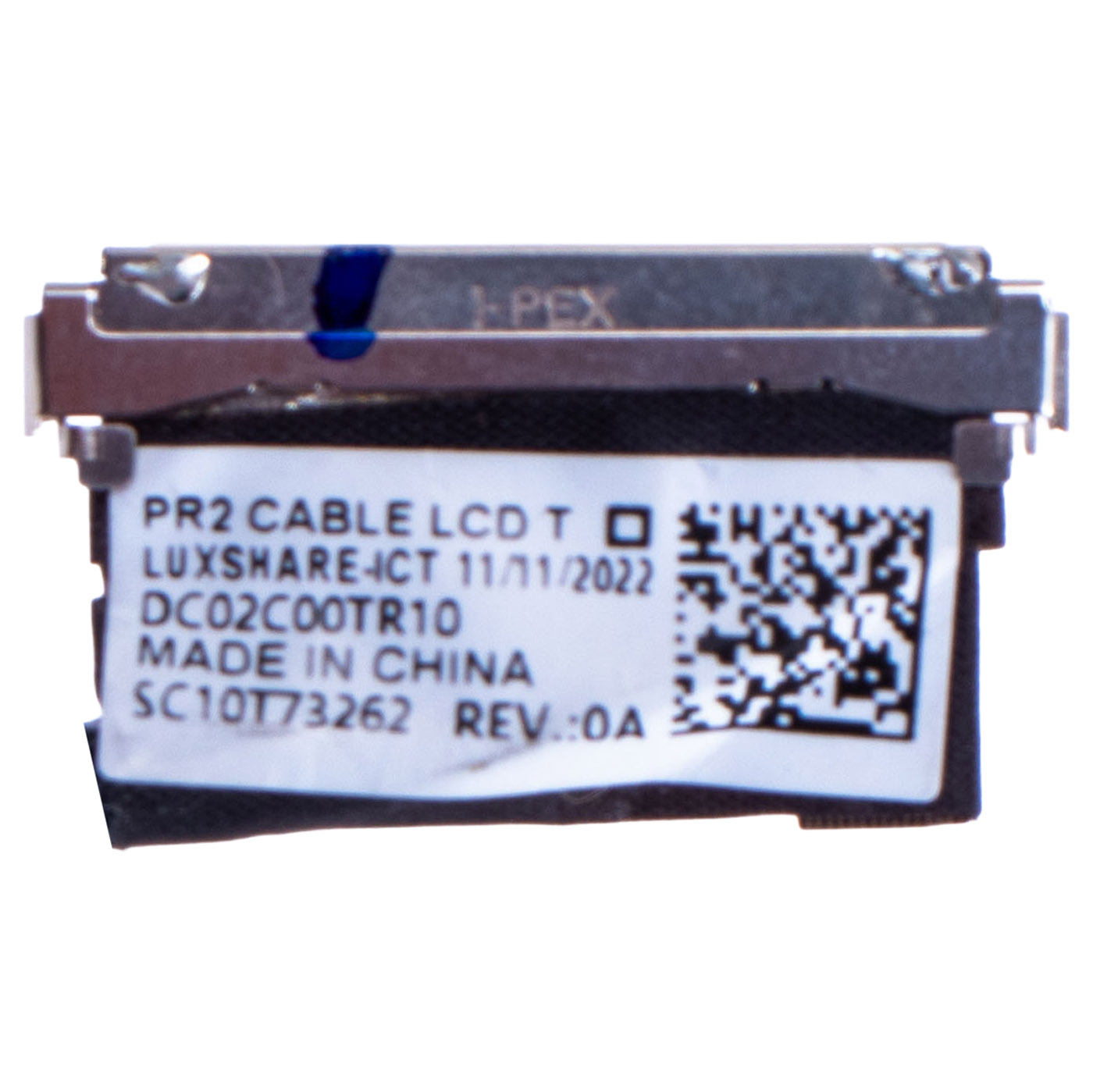
Genuine LCD display cable for Lenovo ThinkPad X1 Carbon Gen 10/11 laptops, made for the WUXGA touch panel version. 40-pin connector. Removed from a working laptop - used, tested, 100% functional. FRU DC02C00TR10 (replacement part number SC10T73262) guarantees full compatibility with both X1 Carbon generations.📋 TECHNICAL DATA
Part name: LCD display cableBrand: Lenovo ThinkPad
Compatible model: X1 Carbon Gen 10/11
Version: For WUXGA touch panel
Pin count: 40-pin
Cable manufacturer: Luxshare-ICT
Condition: Used, tested, 100% functional (pulled)
FRU: DC02C00TR10
Replacement part number: SC10T73262
🌟 KEY ADVANTAGES
🔹 Genuine Lenovo part - full compatibility under FRU DC02C00TR10, no modifications needed🔹 Made for the WUXGA touch panel - correct 40-pin connector, won't get mixed up with the FHD/non-touch version
🔹 Verified 100% functional - tested before listing
🔹 Intact connectors - both ends with no damaged contacts
🔹 Cost-effective alternative - significantly cheaper than a new cable, with the same functionality
❓ WHEN SHOULD YOU REPLACE THIS CABLE?
• The display flickers, goes dark, or shows vertical lines• Touch input is unstable or has stopped responding despite a working panel
• The cable is cut, worn through, or has a damaged connector from a failed disassembly
• You're replacing the display panel or assembly and need a new link to the motherboard
🔧 INSTALLATION PROCESS
1. Power off the laptop and disconnect the charger and battery2. Remove the bottom cover and display bezel to access the LCD panel and motherboard
3. Disconnect the old cable from the display connector and from the motherboard
4. Connect the new cable, starting on the display side, then the motherboard side
5. Route the cable along the same path as the original, avoiding sharp bends near the connectors
6. Reassemble the laptop and check the display and touch work correctly
Installation by a qualified technician or someone experienced with laptop repairs is recommended.
🎯 INTENDED USE
This cable is intended for repairing Lenovo ThinkPad X1 Carbon Gen 10/11 laptops with the WUXGA touch panel version - for flickering display, non-working touch, a damaged cable from a failed disassembly, or when replacing the display panel/assembly. The exact appearance of the item offered is shown in the listing photos.📞 NEED HELP? CONTACT OUR EXPERTS!
Have questions about compatibility with your X1 Carbon? We're happy to help you choose the right part.📱 Phone: +48-601-415357
📧 Email: sklep@abcdeal.pl
| Part Name | LCD cable |
|---|---|
| Brand | Lenovo ThinkPad |
| Model | X1 Carbon 10th and 11th generation 2022 / 2023 |
| Size | 14" |
| Condition | Used |
Szczegóły dotyczące zgodności produktu z przepisami
Osoba odpowiedzialna za produkt:ABCDEAL WOJCIECH ZAMARSKI
ul. Zawodzie 29 43-430 Ochaby Wielkie, Poland
email: biuro@abcdeal.pl
Producent:
Lenovo Group Limited
7th Floor, Building A, Lenovo Houhai
Center, No.3288 Houhaibin Road, Haizhu
Community, Yuehai Street, Nanshan district
Shenzhen 518000, China
email: lncontact@lenovonetapp.com
Information on the safety of product use.
ul. Zawodzie 29 43-430 Ochaby Wielkie, Poland
email: biuro@abcdeal.pl
Producent:
Lenovo Group Limited
7th Floor, Building A, Lenovo Houhai
Center, No.3288 Houhaibin Road, Haizhu
Community, Yuehai Street, Nanshan district
Shenzhen 518000, China
email: lncontact@lenovonetapp.com
Information on the safety of product use.
Ask for details