
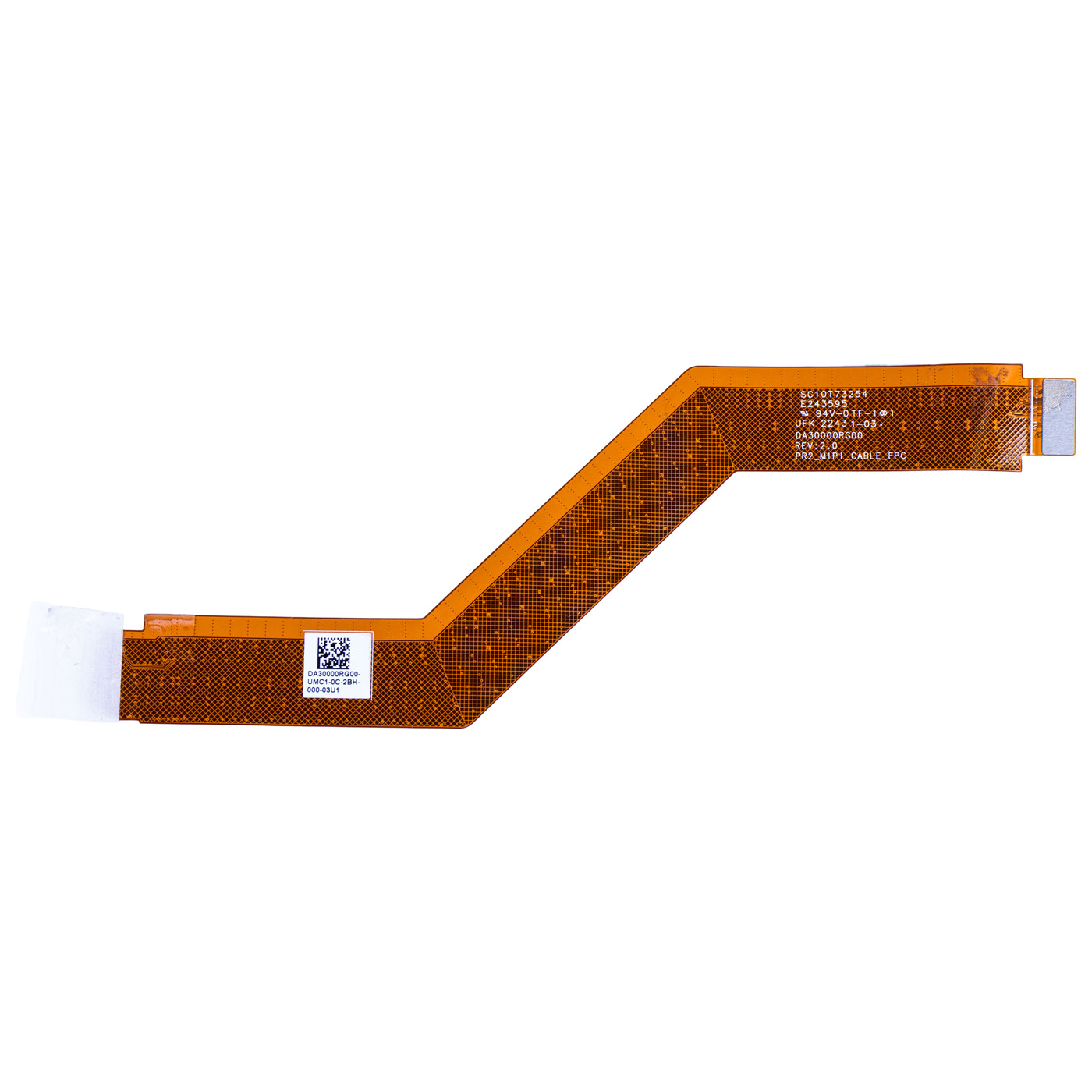
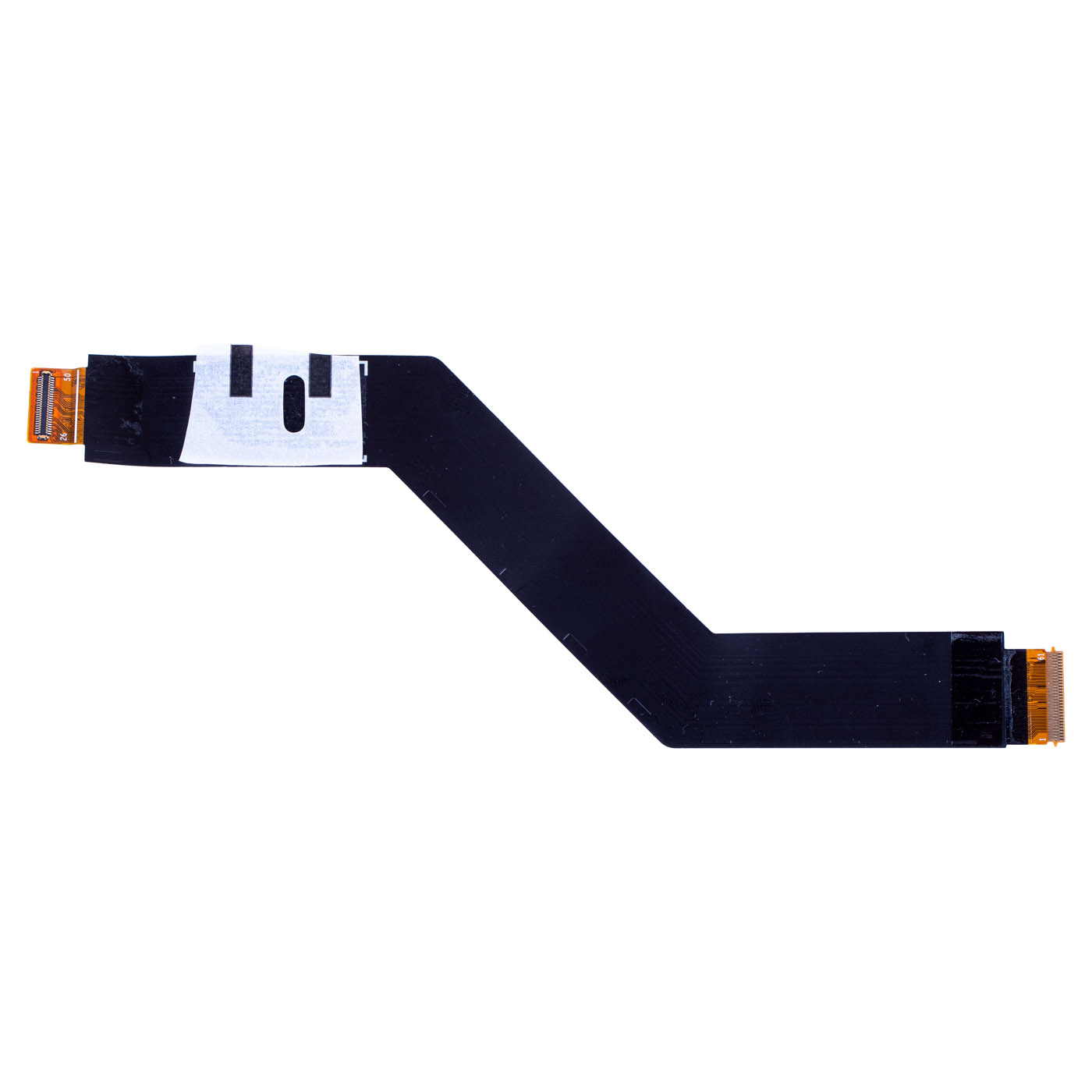
LCD MIPI cable Lenovo X1 Carbon 10 11 2022 2023
20,00 € with TAX16,26 € netto
✓ Compatible with Lenovo laptop models:
ThinkPad X1 Carbon Gen 10ThinkPad X1 Carbon Gen 11
ThinkPad X1 Carbon Gen 10ThinkPad X1 Carbon Gen 11
Lowest price in the last 30 days: 32,50 €
Product original.
🔧 MIPI LCD Display Cable (LID Core Cable) for Lenovo ThinkPad X1 Carbon Gen 10/11 🔧
🖥️ X1 Carbon Gen 10/11 | Display Signal Cable | FRU DA30000RG00
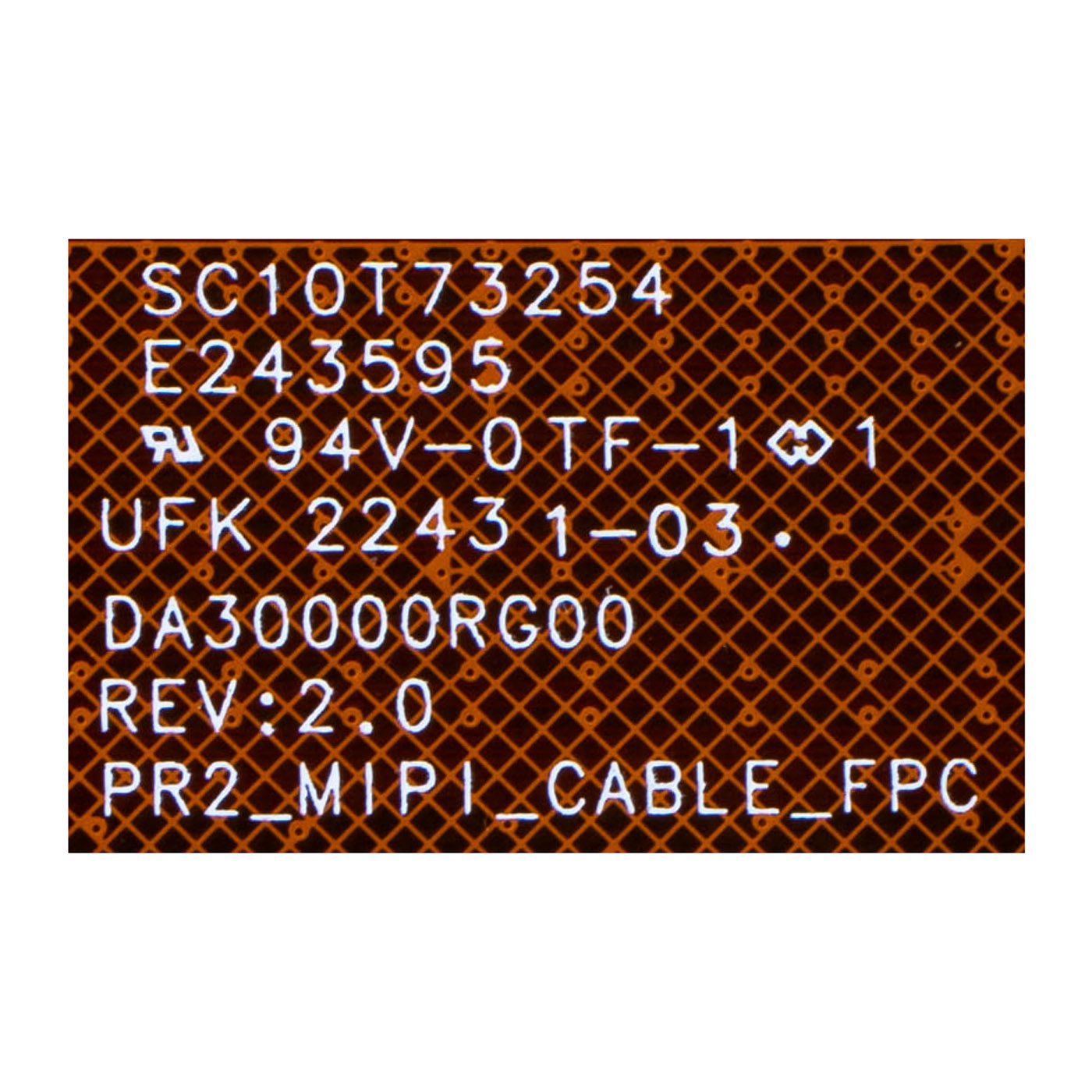
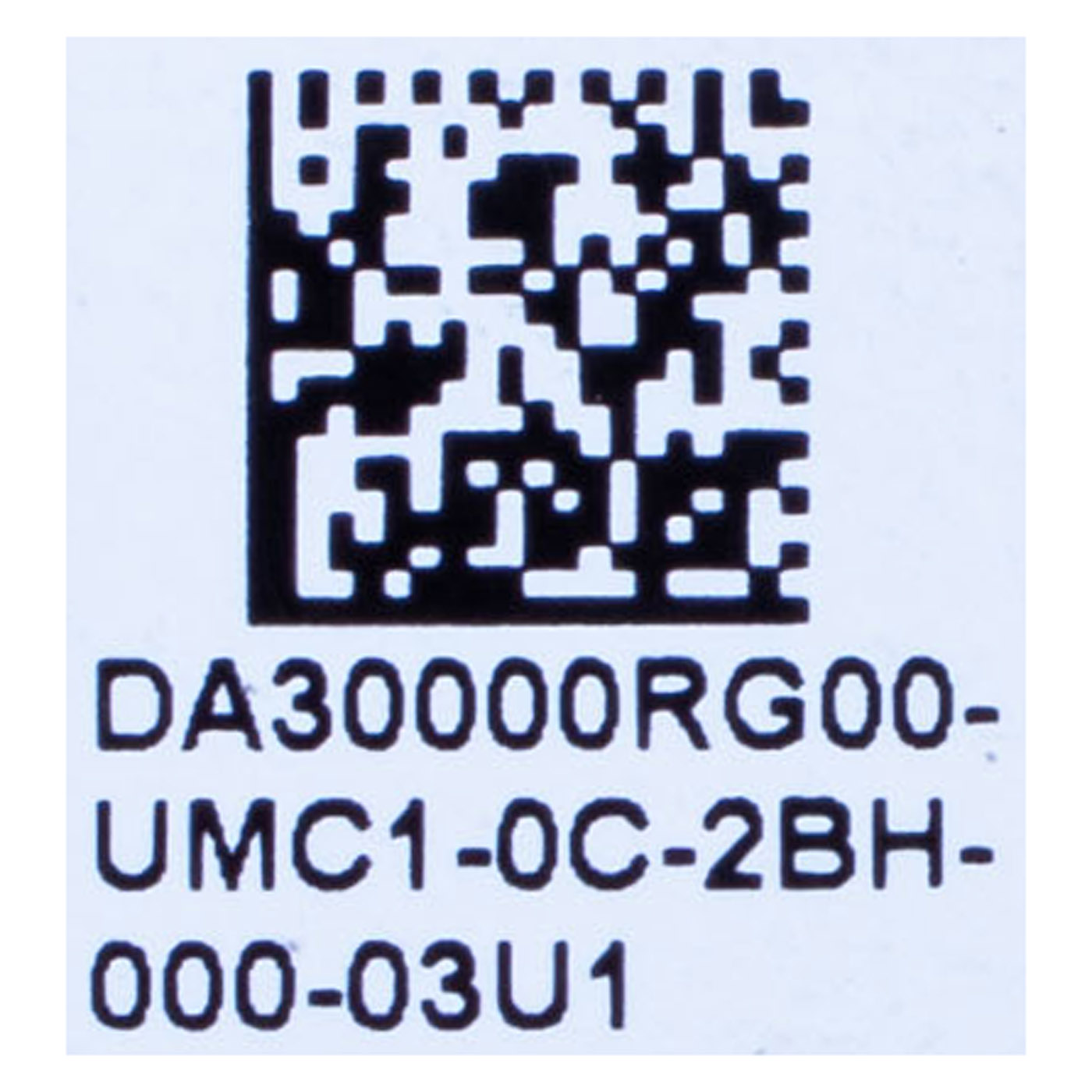
Genuine MIPI cable connecting the LCD display panel to the motherboard (LID Core Cable) for Lenovo ThinkPad X1 Carbon Gen 10/11 laptops. Carries the video signal and backlight power to the panel. Pulled from a working laptop teardown - used, tested, 100% working. FRU DA30000RG00 (alternate number SC10T73254) guarantees full compatibility with both X1 Carbon generations.📋 TECHNICAL DATA
Part name: MIPI LCD Display Cable (LID Core Cable)Brand: Lenovo ThinkPad
Compatible model: X1 Carbon Gen 10/11
Interface: MIPI
Condition: Used, tested, 100% working (pulled part)
FRU: DA30000RG00
Alternate part number: SC10T73254
🌟 KEY FEATURES
🔹 Genuine Lenovo part - full compatibility with FRU DA30000RG00, no-modification install🔹 Main display signal cable - carries video signal and backlight power through the hinge
🔹 Tested 100% working - functionally verified before listing
🔹 Complete connectors - both ends free of damaged contacts
🔹 Cost-effective alternative - significantly cheaper than a new cable, with full functionality
❓ WHEN SHOULD YOU REPLACE THIS CABLE?
• No image on the display despite the system running (laptop "boots" but screen is black)• Image flickers, cuts out, or shows artifacts/lines
• Cable is cut, frayed, or has a damaged connector from a failed teardown
• Replacing the display panel or lid assembly and need a new connection to the motherboard
🔧 INSTALLATION PROCESS
1. Power off the laptop and disconnect power and battery2. Remove the bottom cover to access the MIPI connector on the motherboard
3. Remove the display bezel to reach the cable connector on the LCD panel
4. Disconnect the old cable from both connectors
5. Connect the new cable, starting from the panel side, then the motherboard side
6. Route the cable through the hinge along the original path, avoiding bends at the connectors
7. Reassemble the laptop and verify the display works
Installation recommended by a technical service or someone experienced in laptop repair.
🎯 INTENDED USE
This cable is intended for repairing Lenovo ThinkPad X1 Carbon Gen 10/11 laptops - for no display image, flickering screen, a cable damaged during a failed teardown, or when replacing the display panel/lid. The exact item offered is shown in the listing photos.📞 NEED HELP? CONTACT OUR EXPERTS!
Questions about compatibility with your X1 Carbon? We're happy to help you choose the right part.📱 Phone: +48-601-415357
📧 Email: sklep@abcdeal.pl
| Part Name | LCD MIPI cable |
|---|---|
| Brand | Lenovo ThinkPad |
| Model | X1 Carbon 10th and 11th generation 2022 / 2023 |
| Size | 14" |
| Condition | Used |
Szczegóły dotyczące zgodności produktu z przepisami
Osoba odpowiedzialna za produkt:ABCDEAL WOJCIECH ZAMARSKI
ul. Zawodzie 29 43-430 Ochaby Wielkie, Poland
email: biuro@abcdeal.pl
Producent:
Lenovo Group Limited
7th Floor, Building A, Lenovo Houhai
Center, No.3288 Houhaibin Road, Haizhu
Community, Yuehai Street, Nanshan district
Shenzhen 518000, China
email: lncontact@lenovonetapp.com
Information on the safety of product use.
ul. Zawodzie 29 43-430 Ochaby Wielkie, Poland
email: biuro@abcdeal.pl
Producent:
Lenovo Group Limited
7th Floor, Building A, Lenovo Houhai
Center, No.3288 Houhaibin Road, Haizhu
Community, Yuehai Street, Nanshan district
Shenzhen 518000, China
email: lncontact@lenovonetapp.com
Information on the safety of product use.
Ask for details