
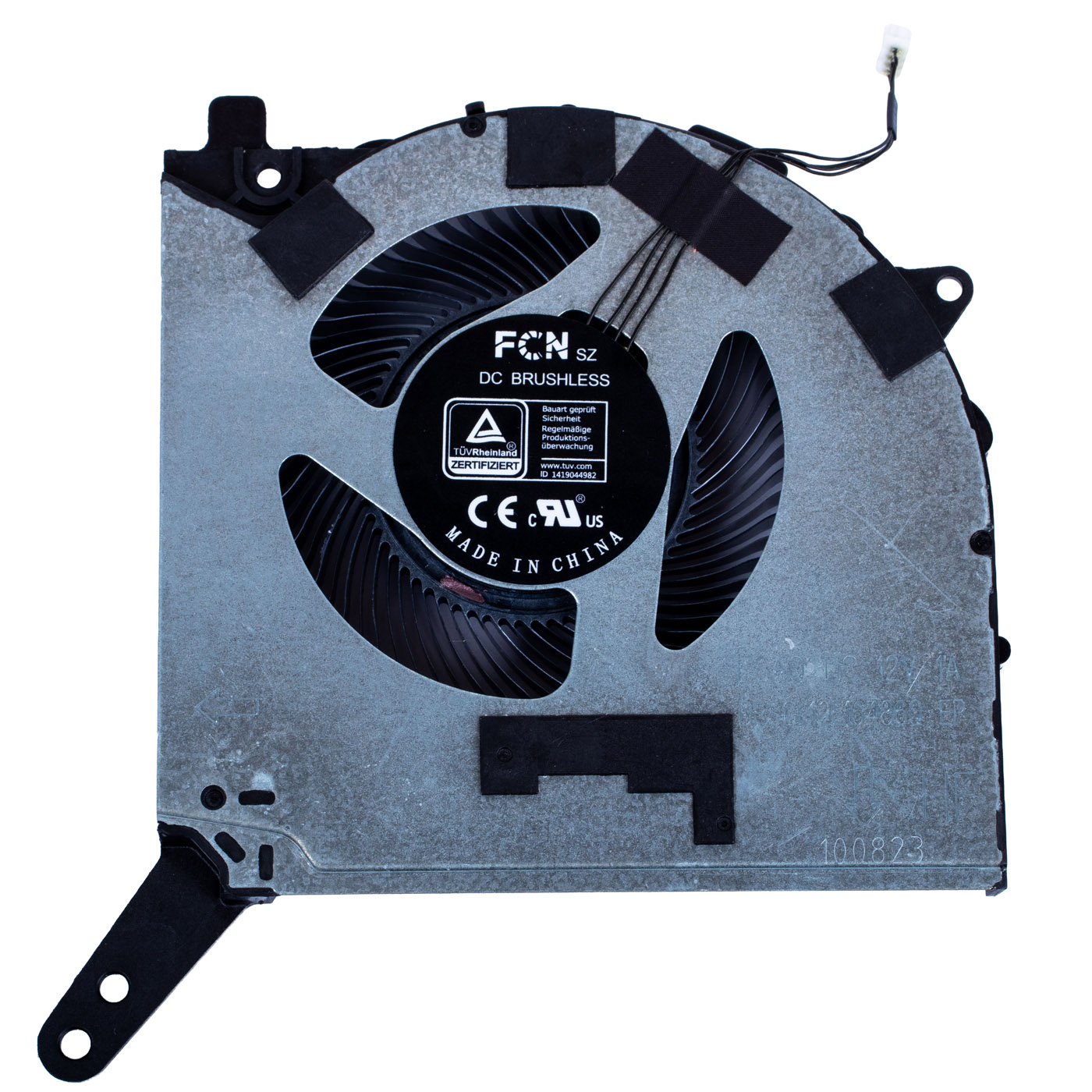
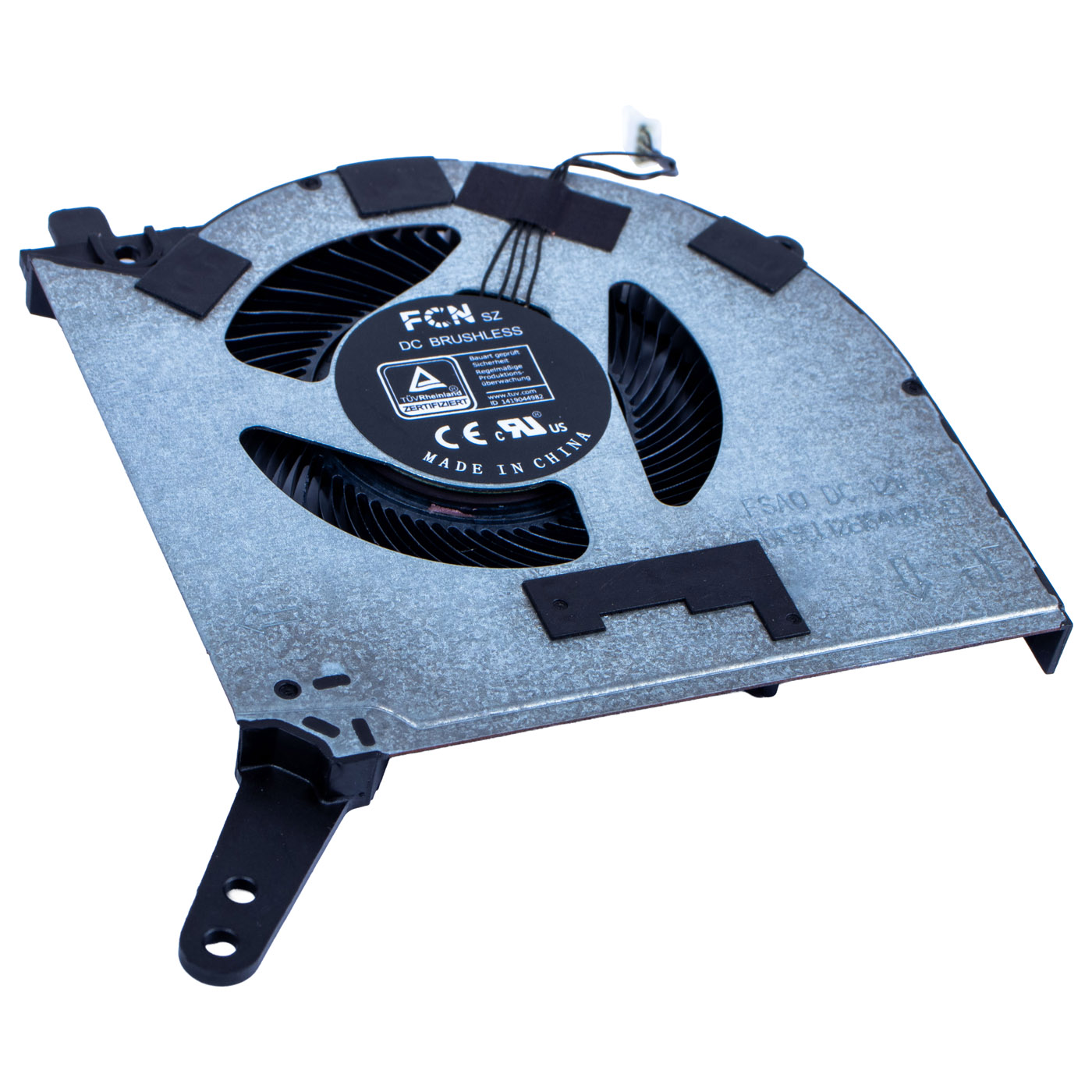
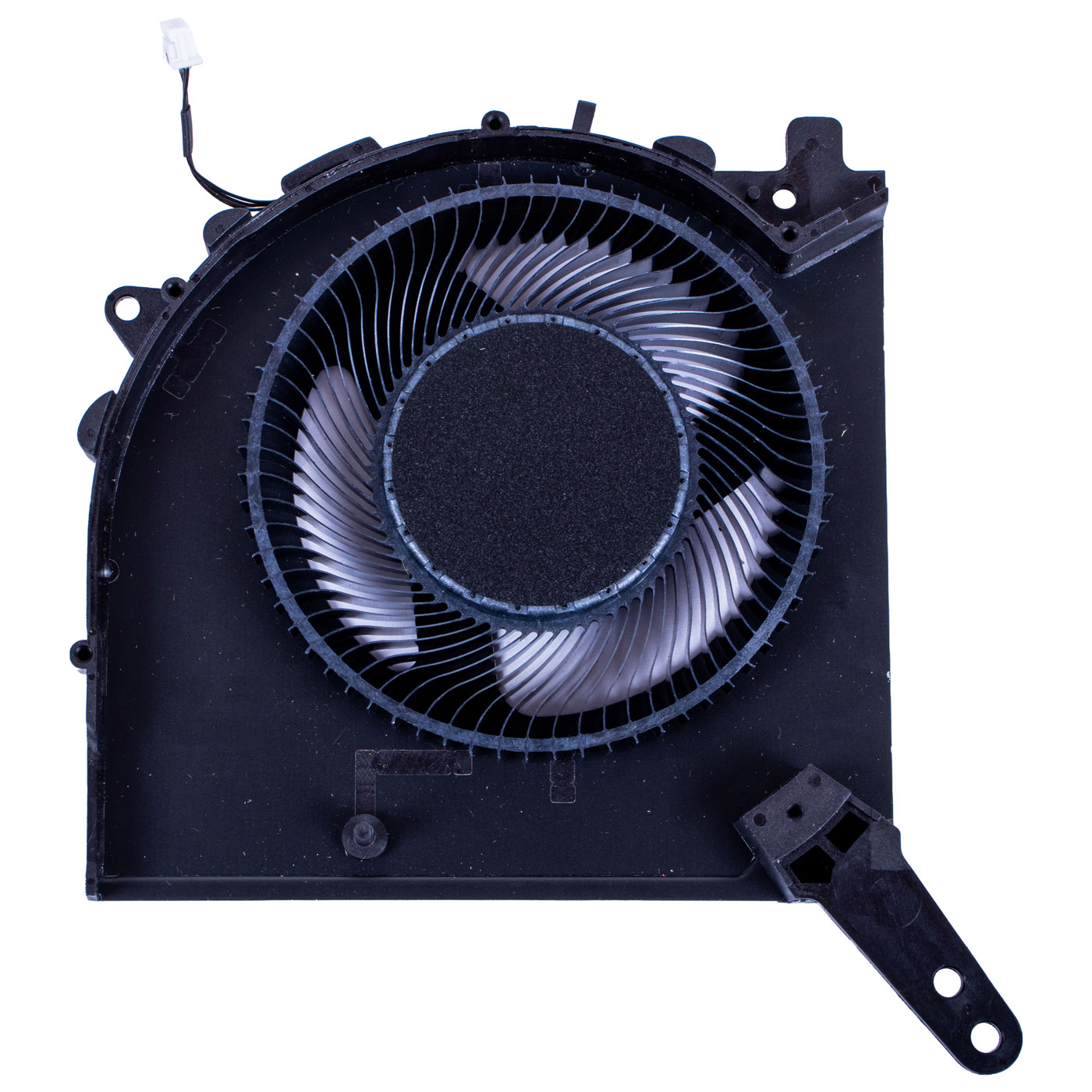
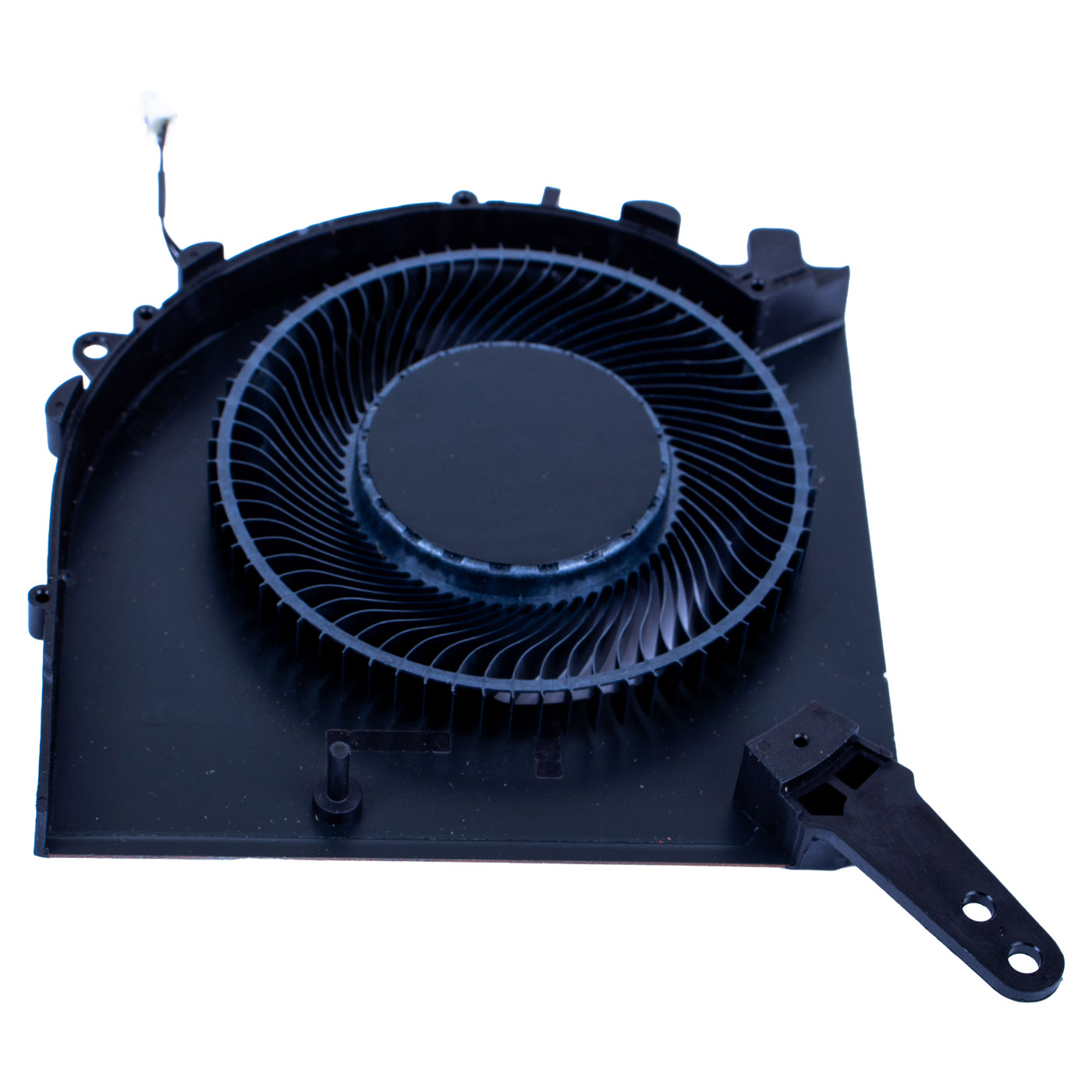
GPU Graphic Fan Lenovo Legion 5 15 ARP8 APH9 | DFSCL12E16486Q
35,00 € with TAX28,46 € netto
✓ Compatible with Lenovo laptop models:
Legion 5 15 ARP8Legion 5 15 APH9
Legion 5 15 ARP8Legion 5 15 APH9
Lowest price in the last 30 days: 50,00 €
The original product, new one.
🔧 GPU Cooling Fan for Lenovo Legion 5 15ARP8 / 15APH9 🔧
🖥️ Legion 5 15ARP8 15APH9 | GPU Fan | FSAQ DFSCL12E16486Q
Genuine graphics card (GPU) cooling fan designed for the Lenovo Legion 5 15ARP8 (type 83EF) and Legion 5 15APH9 (type 83EG). Brand new FCN part marked FSAQ DFSCL12E16486Q, fitted at the factory in Lenovo thermal module FRU 5H40S20981. The code on the fan housing lets you easily confirm it matches the fan installed in your laptop.⚙️ PRODUCT OVERVIEW
The fan drives airflow through the heatsink fins on the graphics side and removes heat generated by the GPU. The Legion 5 15ARP8 and 15APH9 thermal module uses two different fans: FSAN on the processor side and FSAQ on the graphics side. This unit is the FSAQ graphics fan, rated DC 12V 1A. Lenovo does not assign a separate FRU number to the fan alone, so the housing code is the primary identifier and the thermal module FRU numbers are given for reference.📋 TECHNICAL SPECIFICATIONS
Part name: GPU cooling fanBrand: Lenovo Legion
Compatible models: Legion 5 15ARP8 (type 83EF), Legion 5 15APH9 (type 83EG), type 83LQ (Legion R7000 AHP9)
Screen size: 15.6"
Fan marking: FSAQ DFSCL12E16486Q
Fan manufacturer: FCN (DC Brushless)
Power: DC 12V, 1A
Condition: New
Warranty: 12 months
Thermal module FRU (for reference): 5H40S20981, 5H40S20982, SH40R83537, SH40R83538
🌟 KEY BENEFITS
🔹 Genuine fan from the Lenovo module - the same FCN model fitted at the factory in thermal module FRU 5H40S20981, so it fits without any modification🔹 Graphics-side cooling - restores full airflow over the GPU, so the graphics card holds its clocks in games and rendering instead of slowing down from heat
🔹 Easy identification by housing code - just compare the FSAQ marking with the print on the fan in your laptop, no need to look up the whole module FRU
🔹 Replace the fan only - when the fan gets noisy or stops spinning, there is no need to buy the complete module with heatsink
⚠️ GPU-side fan - the Legion 5 15ARP8 and 15APH9 use two different fans (FSAN for the processor, FSAQ for the graphics card). Please compare the marking with the fan in your laptop before ordering
🔢 PART NUMBERS
Fan marking: FSAQ DFSCL12E16486QThermal module FRU (for reference): 5H40S20981, 5H40S20982, SH40R83537, SH40R83538
Laptop models: Lenovo Legion 5 15ARP8 (83EF), Legion 5 15APH9 (83EG), type 83LQ
❓ WHEN SHOULD YOU REPLACE THE GPU FAN?
• Loud whining or rattling from the fan, even while browsing the web• High GPU temperature: frame rates drop in games and the laptop slows down after a few minutes
• The fan does not spin and the area around the keyboard heats up quickly
• Damaged impeller or bearing: grinding noise or uneven fan speed
• The laptop shuts down under heavy load due to overheating
🔧 INSTALLATION
1. Turn off the laptop and disconnect the power adapter and all external devices2. Remove the screws securing the base cover and carefully take it off
3. Disconnect the battery from the system board
4. Unplug the fan connector from the system board
5. Remove the screws securing the fan to the thermal module and peel off the sealing tapes
6. Fit the new fan in the same position, screw it in place and restore the tape seal
7. Route the cable the same way as the original and plug it into the system board
8. Reconnect the battery, refit the base cover, power on and check fan operation under load
Installation by a service technician or an experienced person is recommended.
🎯 APPLICATION
This fan is intended for Lenovo Legion 5 15ARP8 and 15APH9 gaming laptops used for gaming, streaming and video editing. Replacing it brings back quiet operation and stable GPU temperatures without the cost of a complete thermal module. The exact appearance and condition of the item are shown in the photos.✅ COMPATIBILITY GUARANTEE
This fan has been carefully checked and matched to the Lenovo Legion 5 15ARP8 and 15APH9. We guarantee full compatibility for marking FSAQ DFSCL12E16486Q and 100% functionality. In case of any compatibility issues, we offer a hassle-free return within 14 days.📞 NEED HELP? CONTACT OUR EXPERTS!
Do you have questions about the compatibility of this fan with your Legion 5? Our specialists will be happy to assist you. Contact us!📱 Phone: +48-601-415357
📧 Email: sklep@abcdeal.pl
🦁 ABCDEAL - Your Trusted Lenovo Parts Specialist
We have been specialising in delivering genuine Lenovo laptop parts for years. Our experience allows us to offer top quality products that meet the expectations of even the most demanding customers. Trust the experts and restore your Legion 5 to full working order.🎯 Choose professionals - invest in quality!
By choosing a genuine GPU fan for the Lenovo Legion 5 15ARP8 / 15APH9 from our store, you invest in reliability and stable graphics performance in games. Benefit from the expertise of ABCDEAL specialists and bring your laptop back to full performance.📦 Want to know more about shipping and return conditions? Click here
❓ Have additional questions? Check our FAQ
| Part Name | GPU Graphics Fan |
|---|---|
| Brand | Lenovo Legion |
| Model | 5 15 APR8 APH9 |
| Size | 15.6" |
| Condition | New |
Szczegóły dotyczące zgodności produktu z przepisami
Osoba odpowiedzialna za produkt:ABCDEAL WOJCIECH ZAMARSKI
ul. Zawodzie 29 43-430 Ochaby Wielkie, Poland
email: biuro@abcdeal.pl
Producent:
Lenovo Group Limited
7th Floor, Building A, Lenovo Houhai
Center, No.3288 Houhaibin Road, Haizhu
Community, Yuehai Street, Nanshan district
Shenzhen 518000, China
email: lncontact@lenovonetapp.com
Information on the safety of product use.
ul. Zawodzie 29 43-430 Ochaby Wielkie, Poland
email: biuro@abcdeal.pl
Producent:
Lenovo Group Limited
7th Floor, Building A, Lenovo Houhai
Center, No.3288 Houhaibin Road, Haizhu
Community, Yuehai Street, Nanshan district
Shenzhen 518000, China
email: lncontact@lenovonetapp.com
Information on the safety of product use.
Ask for details