
Touchpad clickpad trackpad Lenovo E15 T15 T14 P15 L15 P17
35,00 € with TAX28,46 € netto
✓ Compatible with Lenovo laptop models:
ThinkPad T14 Gen 1ThinkPad P14s Gen 1ThinkPad P15s Gen 1ThinkPad T15 Gen 1ThinkPad P15 Gen 1ThinkPad T15p Gen 1
ThinkPad T14 Gen 1ThinkPad P14s Gen 1ThinkPad P15s Gen 1ThinkPad T15 Gen 1ThinkPad P15 Gen 1ThinkPad T15p Gen 1
Lowest price in the last 30 days: 50,00 €
The original product, used one.
🔧 Touchpad Clickpad for Lenovo ThinkPad P15 Gen 1, T14, T15, P14s, P15s, T15p 🔧
🖥️ ThinkPad P15 / T14 / T15 / P14s / P15s / T15p Gen 1 | Mylar Touchpad Clickpad | Black | 01YU302
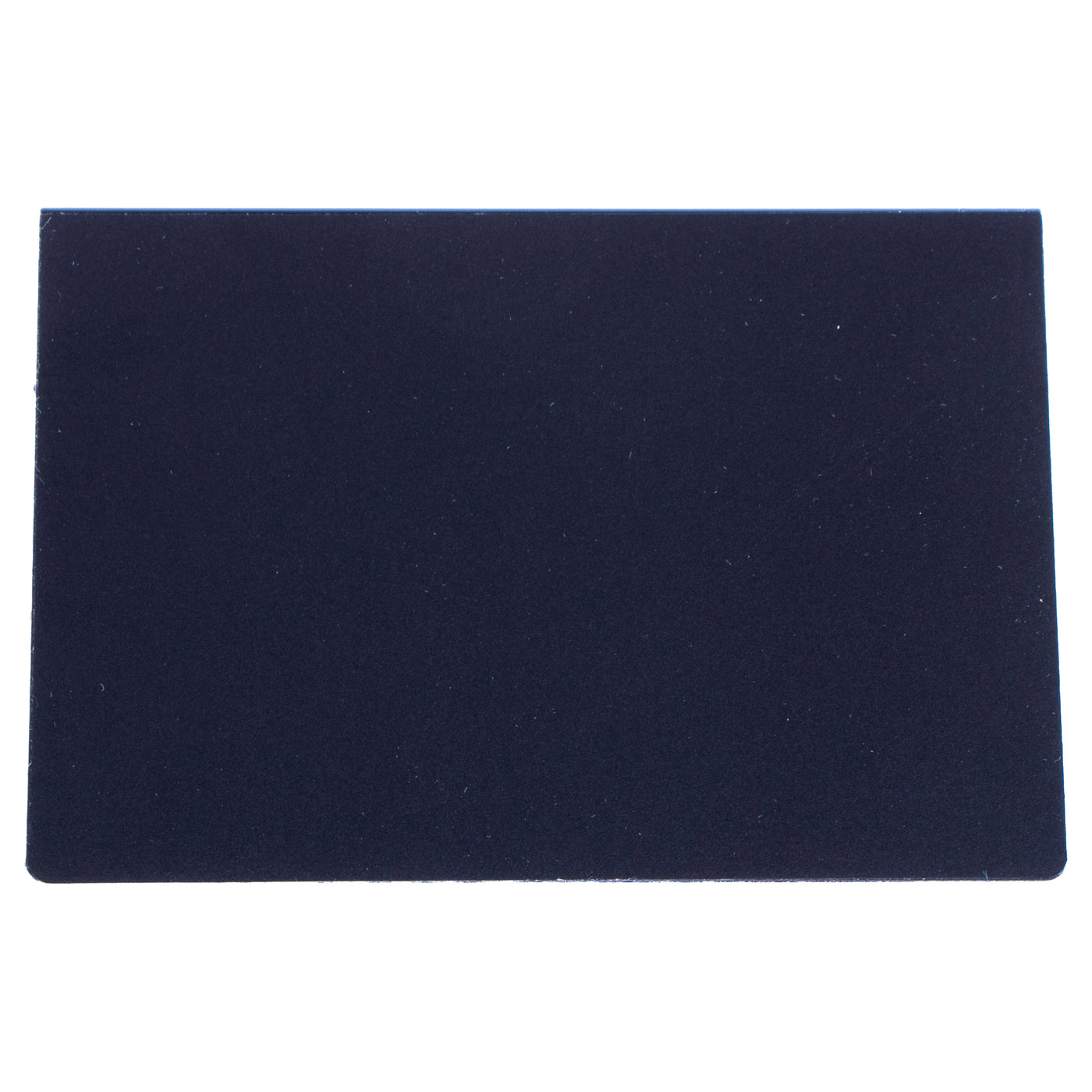
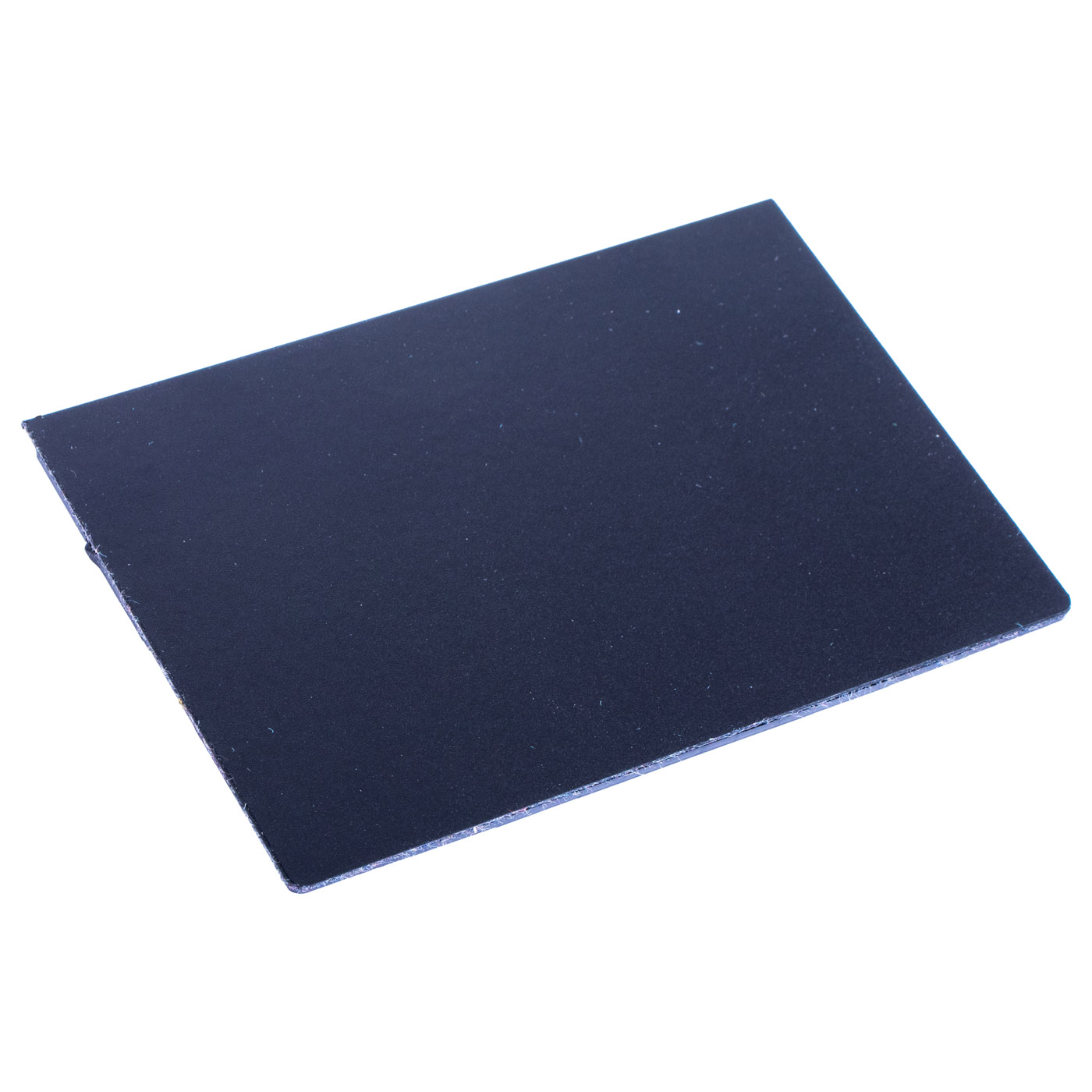
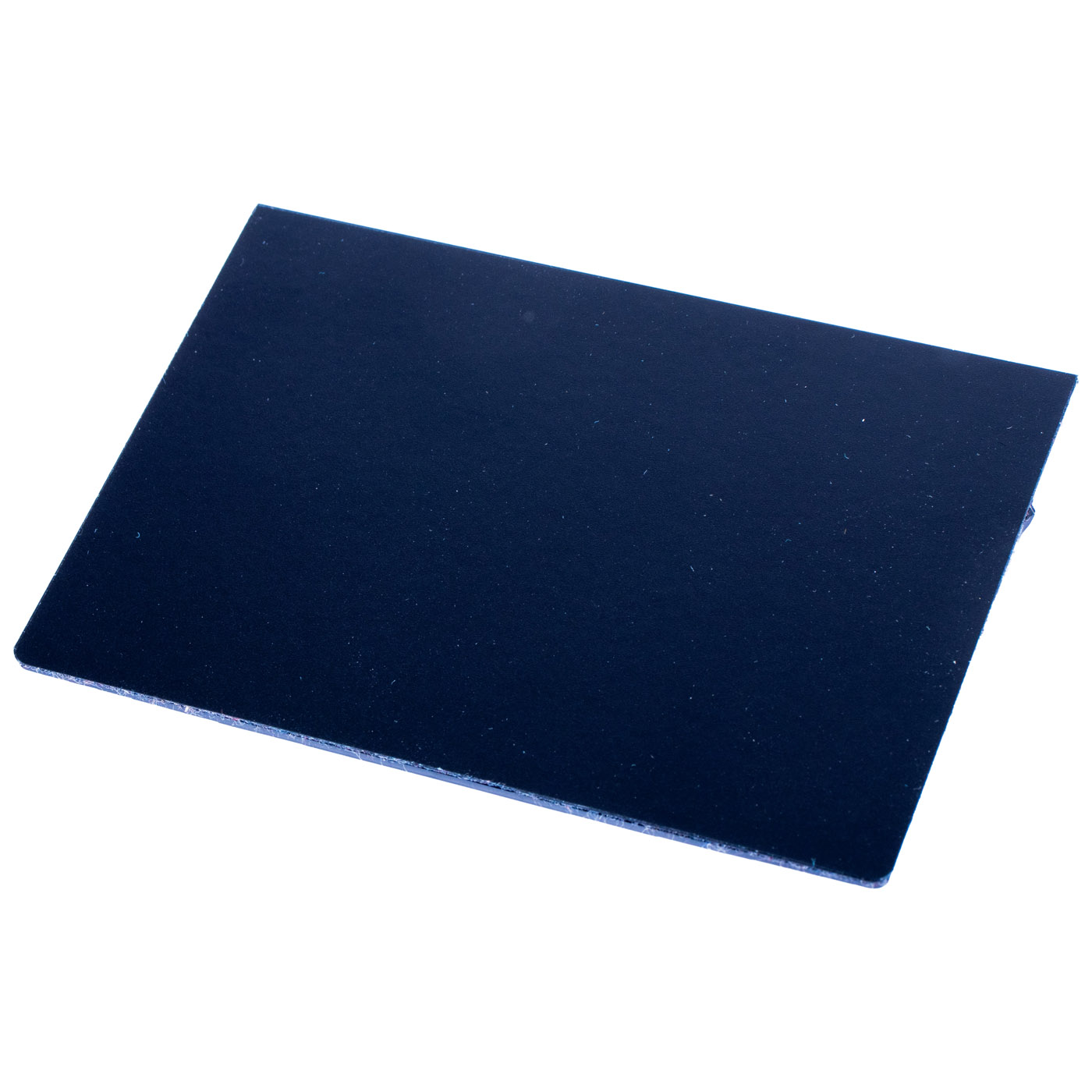
Genuine clickpad touchpad with Mylar surface taken from a Lenovo ThinkPad P15 Gen 1. Part sourced from a working device and tested - we guarantee 100% functionality. The touchpad is in very good condition. FRU number 01YU302 ensures full compatibility with the models listed by Lenovo.⚙️ PRODUCT OVERVIEW
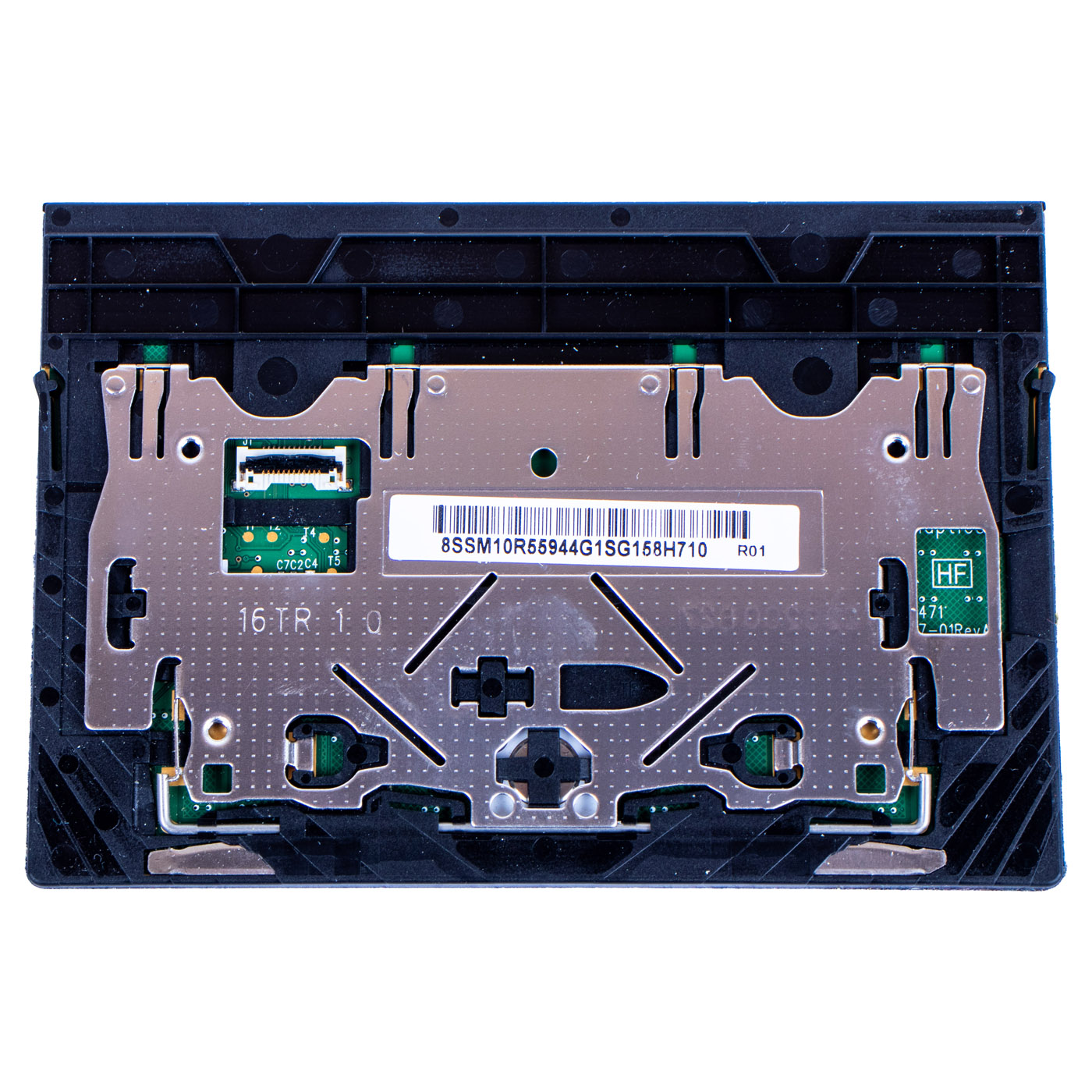
A black clickpad touchpad with a matte Mylar surface (Lenovo: CS16_2BCP, MYLAR, BLACK). The module has a metal backing plate and a factory mounting frame, with the cable connector (J1) on the underside. According to Lenovo, the same touchpad fits the first-generation ThinkPad T14, T15, P14s, P15s and T15p series.📋 TECHNICAL SPECIFICATIONS
Part name: Touchpad clickpadBrand: Lenovo ThinkPad
Compatible models: ThinkPad P15 Gen 1 (20ST, 20SU), T14 Gen 1 (20S0, 20S1, 20S2, 20S3), P14s Gen 1 (20S4, 20S5), T15 Gen 1 (20S6, 20S7), P15s Gen 1 (20T4, 20T5), T15p Gen 1 (20TM, 20TN)
Surface: Mylar, matte
Colour: Black
Condition: Used (pulled from a working unit, tested), very good condition
FRU: 01YU302
Substitute numbers: 01YU300, 01YU301, 01YU054, 01YU055, 01YU056, 5M11B95876, 5M11B95877, 5M11B95878
Label markings: SM10R55944 R01, 16TR 1.0
🌟 KEY ADVANTAGES
🔹 Genuine Lenovo part - perfect fit and reliability🔹 Matte Mylar surface - your finger glides smoothly even with slightly damp hands, and it doesn't pick up greasy marks
🔹 Clickpad - click by pressing the pad itself, no hunting for separate buttons at the edge
🔹 One part for many models - fits the P15, T14, T15, P14s, P15s and T15p first generation, which makes stocking easier for repair shops
🔹 Full compatibility - under FRU 01YU302 and its substitutes
🔢 PART NUMBERS
FRU: 01YU302Substitute numbers: 01YU300, 01YU301, 01YU054, 01YU055, 01YU056, 5M11B95876, 5M11B95877, 5M11B95878
Label markings: SM10R55944 R01, 16TR 1.0
Laptop model: Lenovo ThinkPad P15 Gen 1, T14 Gen 1, P14s Gen 1, T15 Gen 1, P15s Gen 1, T15p Gen 1
❓ WHEN SHOULD YOU REPLACE THE TOUCHPAD?
• The cursor jumps around the screen or doesn't respond to touch at all• Clicks aren't detected, or you have to press hard for anything to register
• Gestures such as two-finger scrolling and zoom stopped working
• The touchpad is damaged or works intermittently after a liquid spill
• The surface is worn and shiny, so your finger sticks instead of gliding
🔧 INSTALLATION PROCESS
Sequence according to the Lenovo Hardware Maintenance Manual (HMM) for the ThinkPad P15 Gen 1. Other models may differ.1. Turn off the laptop and disconnect power and all external devices
2. Disable the built-in battery in BIOS (Disable built-in battery option)
3. Remove the bottom door, then the bottom cover
4. Remove the built-in battery (3 × M2 × 8 mm screws)
5. Disconnect the touchpad cable, remove the 4 black M2 × 2 mm screws and lift out the touchpad
6. Fit the new touchpad, tighten the screws to 0.143 Nm and firmly connect the cable
7. Reinstall the battery, bottom cover and bottom door
8. Power on and check cursor movement, clicks and gestures
Replacement by a technical service or a person experienced in laptop repair is recommended.
🎯 PURPOSE
This touchpad is intended for repairing first-generation ThinkPad P15, T14, T15, P14s, P15s and T15p laptops whose touchpad no longer responds properly. It restores precise cursor control without an external mouse. The exact appearance and condition of the item are shown in the photos.✅ COMPATIBILITY GUARANTEE
This touchpad has been carefully tested and matched to the listed Lenovo ThinkPad models. We guarantee full compatibility within FRU 01YU302 and 100% functionality of the part. If you experience any compatibility issues, we offer a hassle-free return within 14 days.📞 NEED HELP? CONTACT OUR EXPERTS!
Do you have questions about the compatibility of this touchpad with your ThinkPad? Our specialists will be happy to assist you. Contact us!📱 Phone: +48-601-415357
📧 Email: sklep@abcdeal.pl
🦁 ABCDEAL - Your Trusted Lenovo Parts Specialist
We have been specialising in delivering genuine Lenovo laptop parts for years. Our experience allows us to offer top-quality products that meet the expectations of even the most demanding customers. Trust the experts and restore your ThinkPad to full working order.🎯 Choose professionals - invest in quality!
By choosing a genuine touchpad for your Lenovo ThinkPad from our offer, you invest in reliability and precise cursor control. Benefit from ABCDEAL's expertise and bring your laptop back to full functionality.📦 Want to know more about shipping and return conditions? Click here
❓ Have additional questions? Check our FAQ
🔗 All parts for this model: Lenovo ThinkPad P15 spare parts
📘 Guide: Touchpad and TrackPoint in a ThinkPad
| Part Name | Mylar touchpad clickpad |
|---|---|
| Brand | Lenovo ThinkPad |
| Model | P15 / T14 / T15 / P14s / P15s / T15p Gen 1 |
| Colour | Black |
| FRU | 01YU302 |
| Size | 14" / 15.6" |
| Condition | Used |
Szczegóły dotyczące zgodności produktu z przepisami
Osoba odpowiedzialna za produkt:ABCDEAL WOJCIECH ZAMARSKI
ul. Zawodzie 29 43-430 Ochaby Wielkie, Poland
email: biuro@abcdeal.pl
Producent:
Lenovo Group Limited
7th Floor, Building A, Lenovo Houhai
Center, No.3288 Houhaibin Road, Haizhu
Community, Yuehai Street, Nanshan district
Shenzhen 518000, China
email: lncontact@lenovonetapp.com
Information on the safety of product use.
ul. Zawodzie 29 43-430 Ochaby Wielkie, Poland
email: biuro@abcdeal.pl
Producent:
Lenovo Group Limited
7th Floor, Building A, Lenovo Houhai
Center, No.3288 Houhaibin Road, Haizhu
Community, Yuehai Street, Nanshan district
Shenzhen 518000, China
email: lncontact@lenovonetapp.com
Information on the safety of product use.
Ask for details