
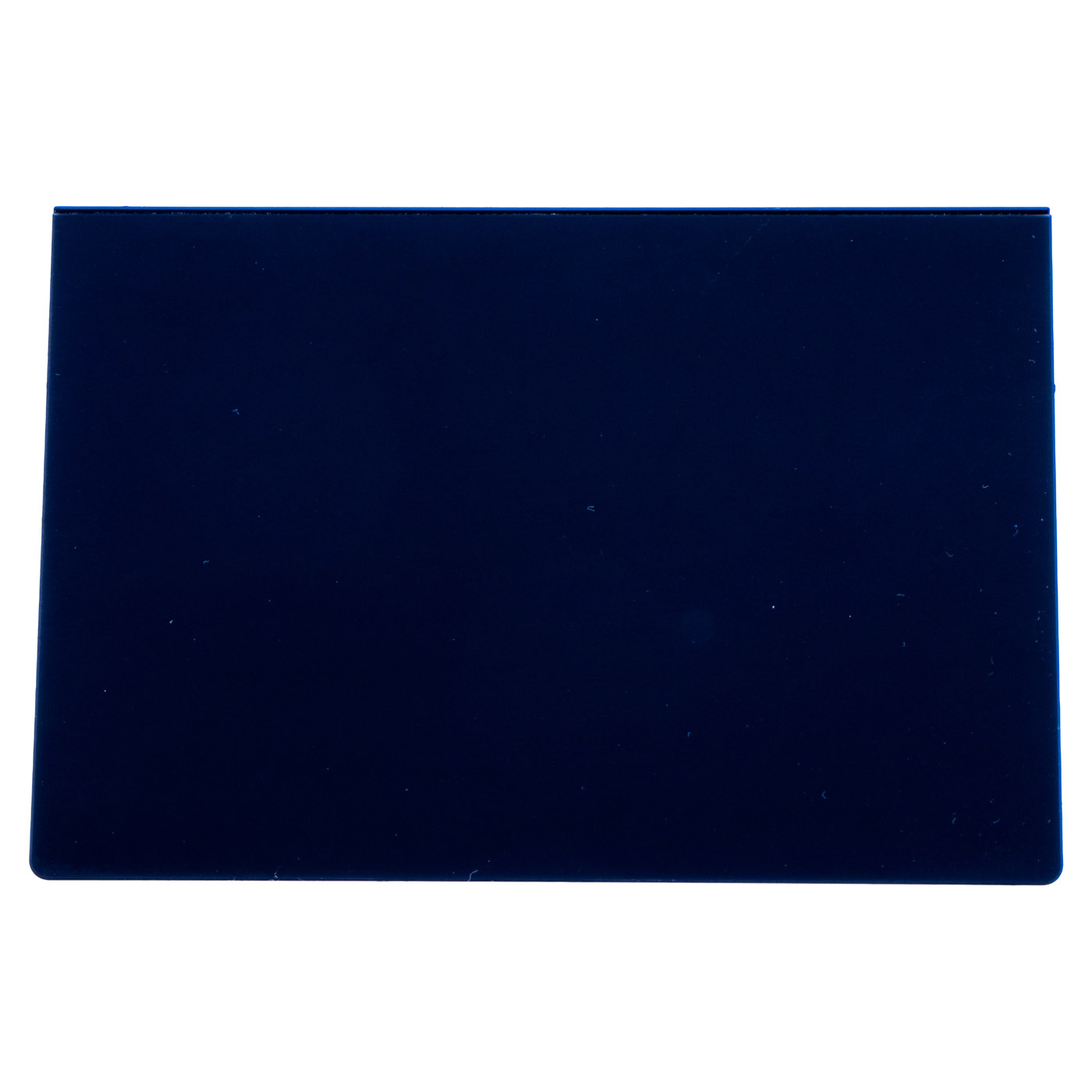
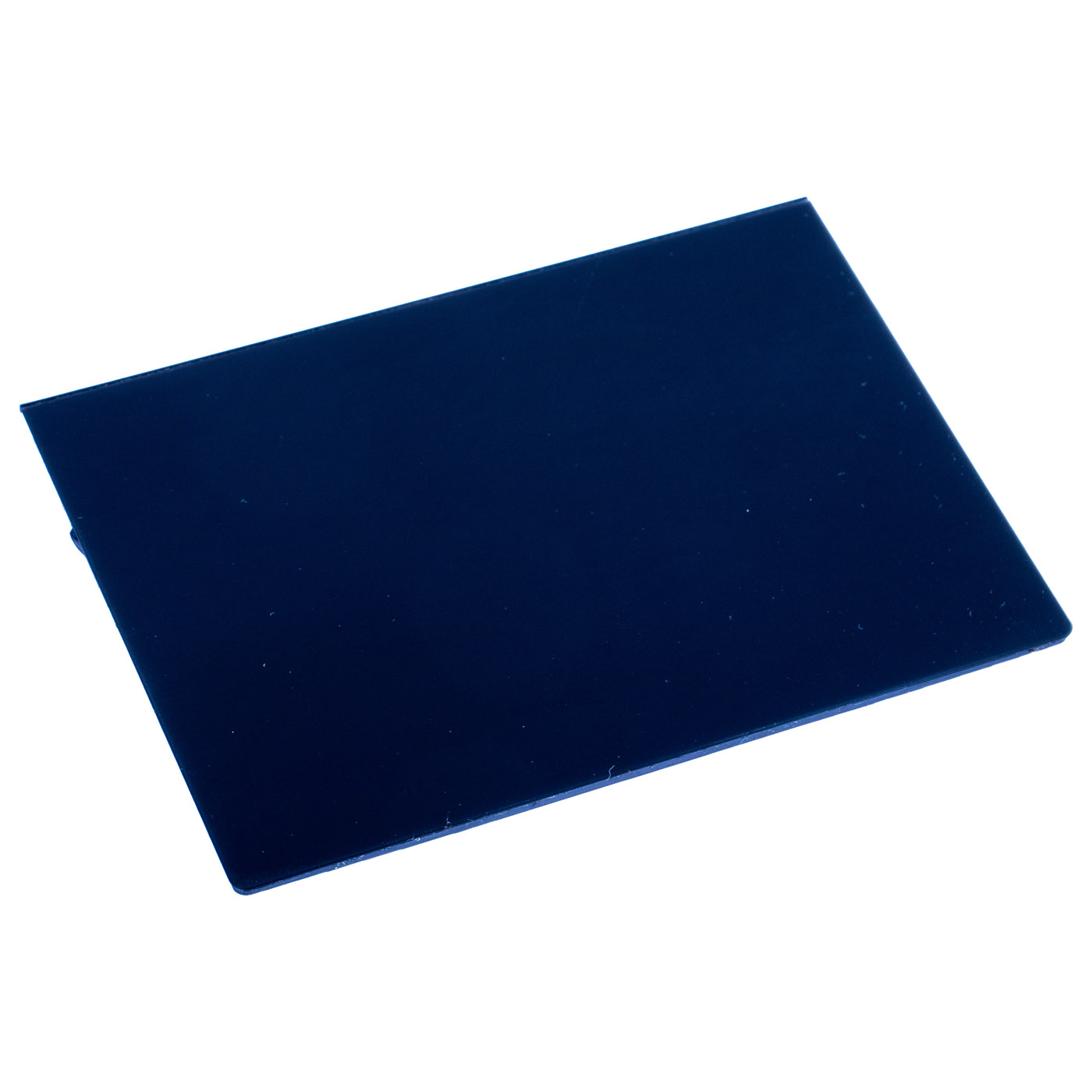
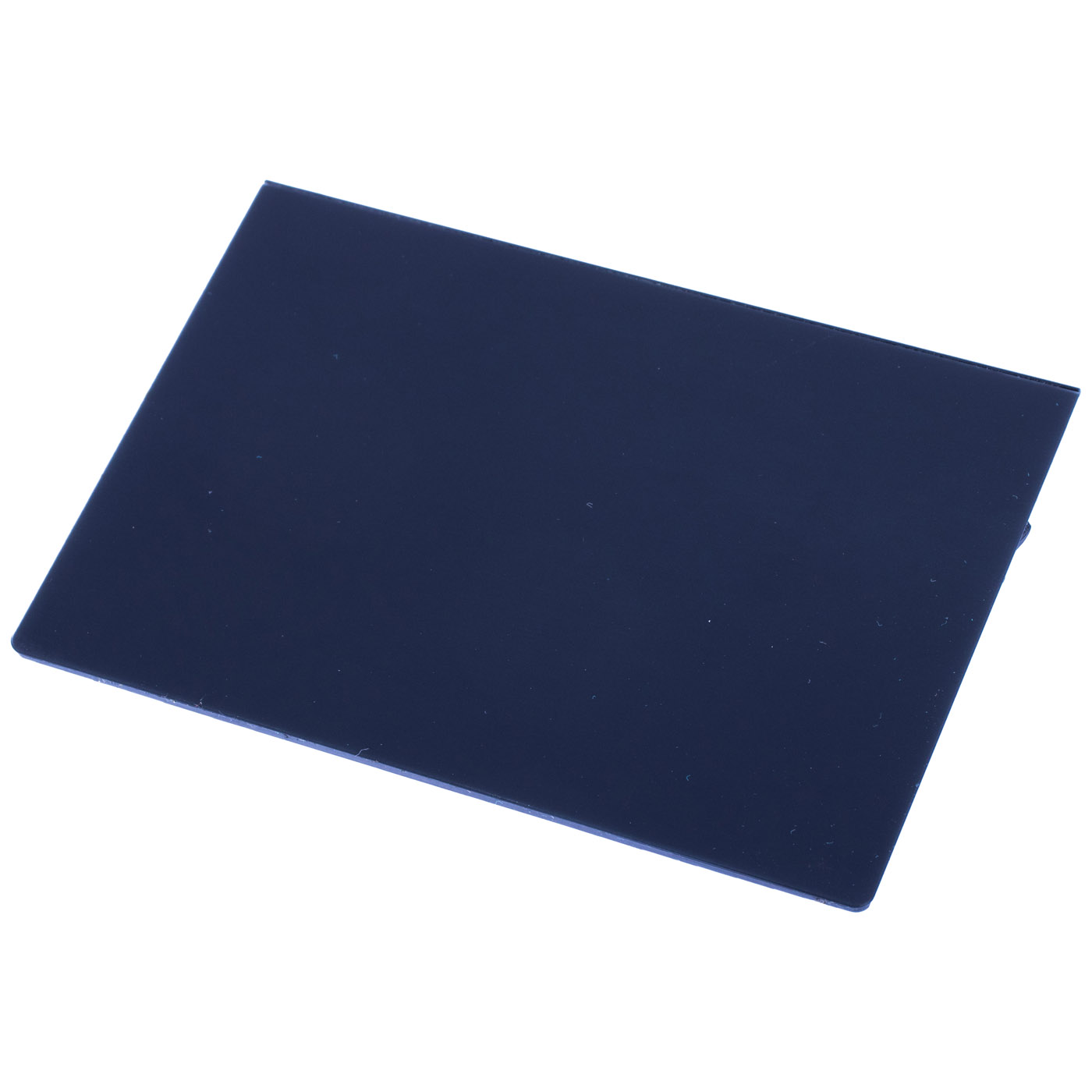
Touchpad clickpad Lenovo ThinkPad X1 Extreme P1 1st 2nd | 01LX660
57,50 € with TAX46,75 € netto
✓ Compatible with Lenovo laptop models:
ThinkPad X1 Extreme Gen 1ThinkPad P1 Gen 1ThinkPad P1 Gen 2ThinkPad X1 Extreme Gen 2
ThinkPad X1 Extreme Gen 1ThinkPad P1 Gen 1ThinkPad P1 Gen 2ThinkPad X1 Extreme Gen 2
Lowest price in the last 30 days: 57,50 €
Original product, used, in perfect condition, like new.
🔧 Glass Touchpad Clickpad for Lenovo ThinkPad X1 Extreme and P1 Gen 1 / Gen 2 🔧
🖥️ X1 Extreme Gen 1-2 / P1 Gen 1-2 | Touchpad clickpad | glass, Deep Black | 01LX660
Genuine glass touchpad (clickpad) with Synaptics electronics designed for Lenovo ThinkPad X1 Extreme Gen 1 and Gen 2 and ThinkPad P1 Gen 1 and Gen 2 laptops. Part sourced from a working device and tested - we guarantee 100% functionality. It is in perfect, like-new condition: the glass surface shows practically no signs of use, as seen in the photos. FRU number 01LX660 guarantees full compatibility with these models.⚙️ PRODUCT CHARACTERISTICS
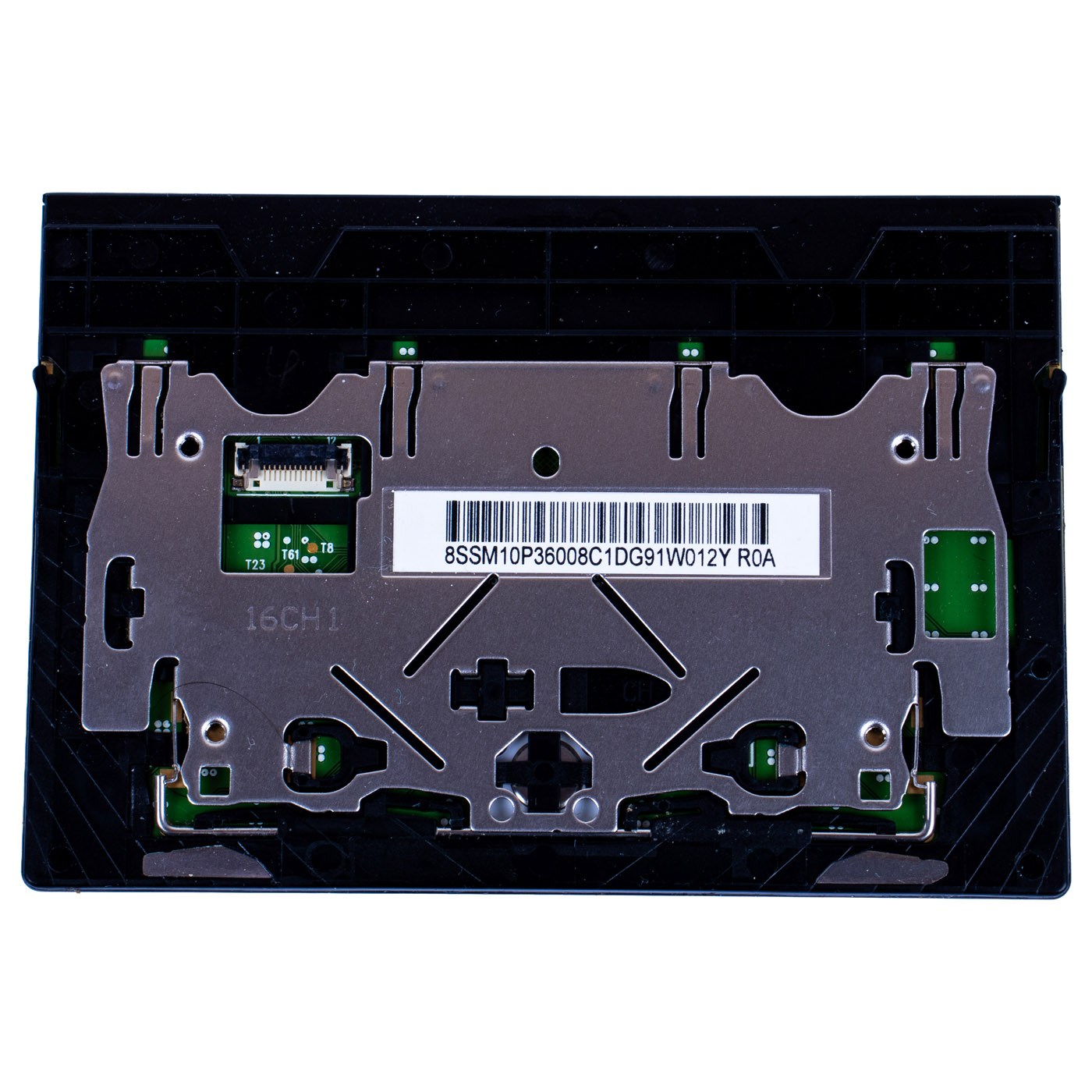
Genuine Lenovo CS16 series touchpad module (Lenovo description: CS16 2BCP Large Glass + Synaptics PCB, HHK Deep Black, Chicony). The working surface is made of deep black glass (Deep Black) and the whole pad acts as a button (clickpad). On the underside there is a metal support frame, a Synaptics electronics board with the cable connector and a label marked 8SSM10P36008 (label on the underside of the module). Lenovo lists 01LX661, 01LX662 as cross reference numbers for this part - the same touchpad from other suppliers.📋 TECHNICAL DATA
Part name: Touchpad (clickpad)Brand: Lenovo ThinkPad
Compatible model: ThinkPad X1 Extreme Gen 1 (Type 20MF, 20MG), ThinkPad X1 Extreme Gen 2 (Type 20QV, 20QW), ThinkPad P1 Gen 1 (Type 20MD, 20ME), ThinkPad P1 Gen 2 (Type 20QT, 20QU)
Laptop screen size: 15.6"
Surface: glass, Deep Black
Electronics: Synaptics
Part markings: 8SSM10P36008 (label on the underside of the module)
Condition: Used (removed from a working device, perfect condition, like new)
Warranty: 6 months
FRU: 01LX660
Cross reference numbers: 01LX661, 01LX662
🌟 KEY ADVANTAGES
🔹 Genuine Lenovo part - the same module as fitted at the factory, fits the X1 Extreme and P1 palmrest perfectly🔹 Glass surface - your finger glides smoothly and the cursor lands exactly where you want it, without correcting
🔹 Synaptics electronics - reliably recognises multi-finger gestures, so scrolling and switching windows work smoothly
🔹 Like-new condition - after installation the touchpad looks and works as in a new laptop
🔹 Full compatibility - matched to the X1 Extreme and P1 Gen 1 / Gen 2 under FRU number 01LX660
🔢 PART NUMBERS
FRU: 01LX660Cross reference numbers: 01LX661, 01LX662
Part markings: 8SSM10P36008 (label on the underside of the module)
Laptop model: Lenovo ThinkPad X1 Extreme Gen 1 (Type 20MF, 20MG), ThinkPad X1 Extreme Gen 2 (Type 20QV, 20QW), ThinkPad P1 Gen 1 (Type 20MD, 20ME), ThinkPad P1 Gen 2 (Type 20QT, 20QU)
❓ WHEN SHOULD YOU REPLACE THE TOUCHPAD?
• Problem with a cursor that jumps, drifts or moves across the screen by itself• Problem with a click that does not work: the pad does not click or clicks only in one corner
• Problem with a touchpad that does not respond to touch at all or disappears from Device Manager
• Problem with a cracked or scratched touchpad glass
• Problem with a touchpad after liquid was spilled on the laptop
🔧 INSTALLATION PROCESS
1. Disable Fast Startup in Windows, enter ThinkPad Setup (F1) and in Config > Power select Disable built-in battery, disconnect the power adapter and external devices2. Remove the base cover (HMM 1010 Base cover assembly)
3. Remove the built-in battery (HMM 1050 Built-in battery)
4. Disconnect the touchpad cable and remove the 4 module screws: M2 x 2 mm (fine pitch), silver, nylon-coated (HMM 1090 Trackpad assembly)
5. Take out the old touchpad and place the new one in the same position in the palmrest
6. Tighten the 4 screws to 0.181 Nm, connect the cable, refit the battery and the base cover
7. Start the laptop and check cursor movement, clicking and gestures
Replacement by a technical service or a person experienced in laptop repairs is recommended.
🎯 PURPOSE
Touchpad for repairing Lenovo ThinkPad X1 Extreme and P1 first and second generation laptops when the cursor jumps, the pad does not click or the glass is damaged. Thanks to its like-new condition it restores precise control and a clean look to the laptop. The exact appearance and condition of the offered item are shown in the photos.✅ COMPATIBILITY GUARANTEE
The offered touchpad has been carefully checked and matched to the Lenovo ThinkPad X1 Extreme and P1 Gen 1 / Gen 2. We guarantee full compatibility within FRU number 01LX660 and 100% functionality. The touchpad comes with a 6-month warranty. In case of any compatibility issues, we provide a hassle-free return within 14 days.📞 NEED HELP? CONTACT OUR EXPERTS!
Do you have questions about the compatibility of the touchpad with your ThinkPad X1 Extreme or P1? Our specialists will be happy to assist you. Contact us!📱 Phone: +48-601-415357
📧 Email: sklep@abcdeal.pl
🦁 ABCDEAL - Your Trusted Lenovo Parts Specialist
We have been specialising in delivering genuine Lenovo laptop parts for years. Our experience allows us to offer top-quality products that meet the expectations of even the most demanding customers. Trust the experts and restore your ThinkPad to full functionality.🎯 Choose professionals - invest in high quality!
By choosing a genuine touchpad for your Lenovo ThinkPad X1 Extreme / P1 from our offer, you invest in reliability and precise cursor control. Benefit from the experience of ABCDEAL specialists and restore your laptop to full functionality.Useful information:
📦 Want to know more about shipping and return conditions? Click here
❓ Have additional questions? Check our FAQ
🔗 All parts for this model: Lenovo ThinkPad P1 / X1 Extreme spare parts
📘 Guide: Touchpad and TrackPoint in ThinkPad
| General information | |
|---|---|
| Part name | Touchpad (clickpad) |
| Brand | Lenovo ThinkPad |
| Compatibility | ThinkPad X1 Extreme Gen 1 (Type 20MF, 20MG) ThinkPad X1 Extreme Gen 2 (Type 20QV, 20QW) ThinkPad P1 Gen 1 (Type 20MD, 20ME) ThinkPad P1 Gen 2 (Type 20QT, 20QU) |
| Laptop screen size | 15.6" |
| Technical specifications | |
| Surface | glass, Deep Black |
| Electronics | Synaptics |
| Type | clickpad (the whole pad acts as a button) |
| Lenovo series | CS16 2BCP Large Glass |
| Mounting per HMM | 4 x M2 x 2 mm, 0.181 Nm (section 1090 Trackpad assembly) |
| Part numbers | |
| FRU | 01LX660 |
| Cross reference numbers | 01LX661, 01LX662 |
| Part markings | 8SSM10P36008 (label on the underside of the module) |
| Machine types | 20MF, 20MG, 20QV, 20QW, 20MD, 20ME, 20QT, 20QU |
| Condition and warranty | |
| Condition | Used (removed from a working device, perfect condition, like new) |
| Warranty | 6 months |
Product compliance details
Osoba odpowiedzialna za produkt:ABCDEAL WOJCIECH ZAMARSKI
ul. Zawodzie 29 43-430 Ochaby Wielkie, Poland
email: biuro@abcdeal.pl
Manufacturer:
Lenovo Group Limited
7th Floor, Building A, Lenovo Houhai
Center, No.3288 Houhaibin Road, Haizhu
Community, Yuehai Street, Nanshan district
Shenzhen 518000, China
email: lncontact@lenovonetapp.com
Information on the safety of product use.
ul. Zawodzie 29 43-430 Ochaby Wielkie, Poland
email: biuro@abcdeal.pl
Manufacturer:
Lenovo Group Limited
7th Floor, Building A, Lenovo Houhai
Center, No.3288 Houhaibin Road, Haizhu
Community, Yuehai Street, Nanshan district
Shenzhen 518000, China
email: lncontact@lenovonetapp.com
Information on the safety of product use.
Ask for details