
Lenovo ThinkPad X Series - History and Evolution from X20 to X13
The X series answers one need: maximum portability without sacrificing comfort of work. These are laptops for consultants, journalists and managers - anyone for whom weight and battery life matter as much as performance.

The beginning: ThinkPad X20 (2000)
The story begins in 2000 with the IBM ThinkPad X20, an ultraportable laptop with a 12.1" display and a Pentium III processor. For its time it was exceptionally light and compact while remaining fully featured. The following models, X21 to X24, were faster and better equipped.
The golden era: X200, X201, X220, X230 (2008-2012)
In this period the X series matured. The X200 (Core 2 Duo) and X201 (first generation Intel Core i5/i7) delivered real business performance.
The breakthrough was the X220 (2011), the last X model with the classic seven-row keyboard, widely regarded as one of the best laptop keyboards ever. It also offered an IPS display option.
A year later the X230 (2012) moved to an island-style (chiclet) keyboard. The change still divides enthusiasts, but the machine stayed very easy to service.
The ultrabook era: X1 Carbon (since 2012)
In 2012 the X1 Carbon Gen 1 arrived - a slim 14" ultrabook with a carbon-fibre reinforced chassis, a completely different category of machine. Key changes in later generations:
- Gen 5 (2017) - USB-C charging and Thunderbolt 3 instead of the Slim Tip connector
- Gen 9 (2021) - move to 16:10 displays, optionally up to 3840×2400
- Newer generations - Intel Core Ultra processors and optional OLED displays; Gen 13 (2025) weighs under 1 kg
Variants followed: the X1 Yoga (convertible, 14") and the X1 Nano (from 2020, from about 907 g, according to Lenovo the lightest ThinkPad ever).
Classic X models and the move to X13
The classic, smaller line evolved in parallel: X240, X250, X260, X270, X280, then the X390 (2019), whose display grew to 13.3".
After the X390, Lenovo dropped the X2xx/X3xx numbering in favour of X13 Gen 1, Gen 2…. It is now the main "small" business ThinkPad, available with Intel and, in separate versions, AMD Ryzen processors.
Parts for older models in this line, including the ThinkPad X280, are listed on ThinkPad X series and X1 Carbon - all models.
The X series also has convertible versions (X380 Yoga, X390 Yoga, X13 Yoga), but that is a topic for another article.
What changed over the years
- Displays: from 4:3 TN panels (X20), through optional IPS (X220), to FHD, WQHD, 4K and OLED in the latest X1 Carbon.
- Keyboards: classic seven-row layout up to the X220, island-style from the X230, backlit in newer models. The TrackPoint always stayed.
- Power: round connector, then the rectangular Slim Tip, and today USB-C Power Delivery.
- Weight: the 13th gen X1 Carbon weighs under 1 kg, and the X1 Nano starts at about 907 g.
The secondhand market and servicing
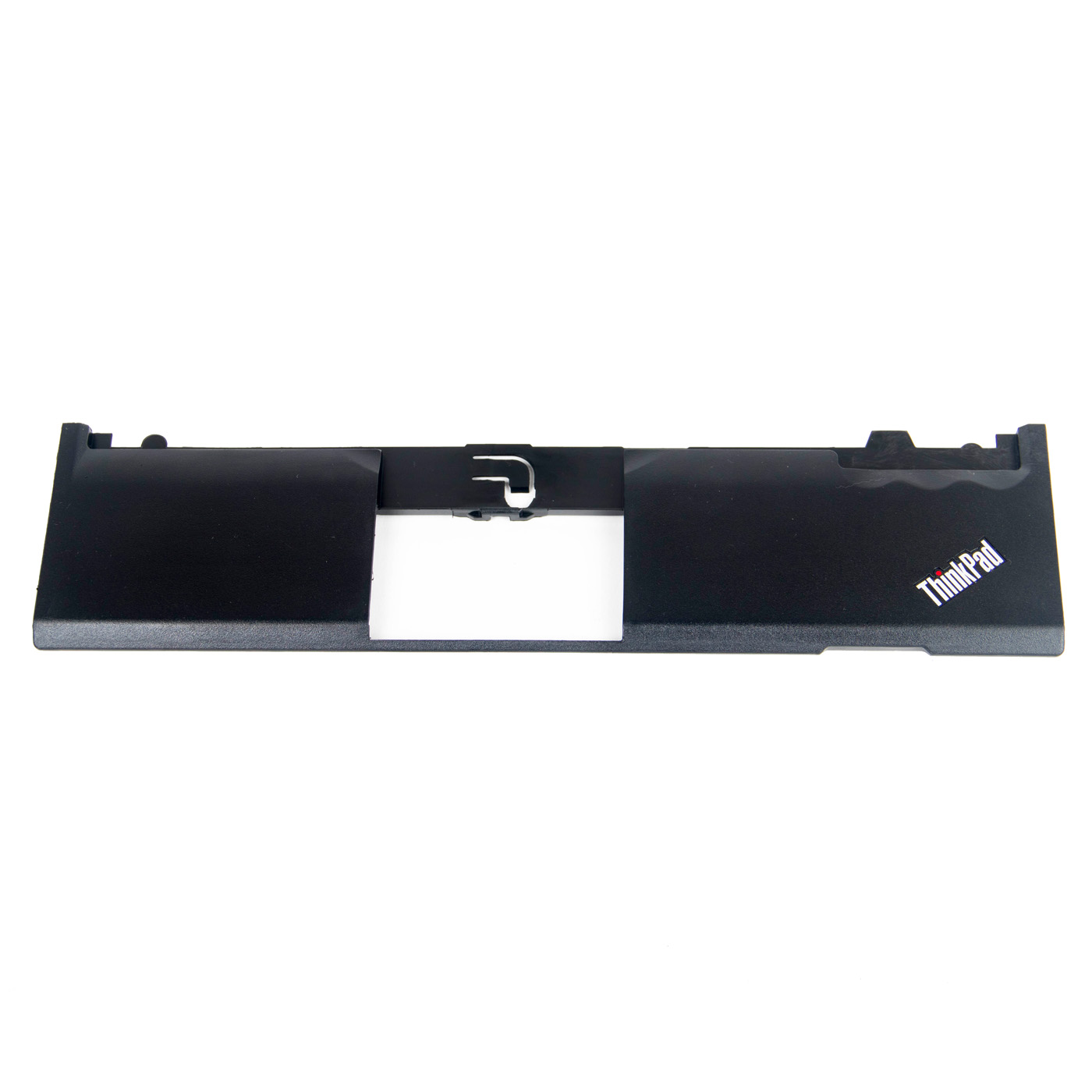
Used X series laptops are plentiful and offer excellent value. The key to their second life is service parts: keyboard, display, battery, power adapter and bezel. Replacing a few components can turn an inexpensive used machine into a fully capable work tool for years.
Parts for the most popular models are on dedicated pages: ThinkPad X220, ThinkPad X230, ThinkPad X250 and ThinkPad X1 Carbon (all generations).
The X series is the thinnest and lightest ThinkPad line. Looking for something more affordable? See how the T, L and E series differ - Lenovo's most popular business lines.
Have a different X series model? Send us the serial number (S/N) or the FRU number of the old part and we will find the matching replacement.
Message from: 21-06-2026